Mesh Editor
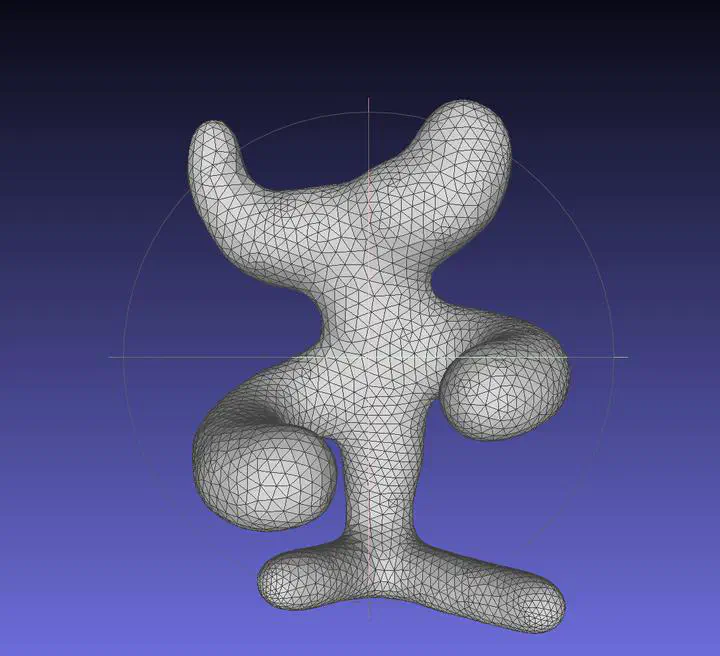
Output Comparison
Run the program with the specified .ini config file to compare your output against the reference images. The program should automatically save the output mesh to the student_outputs/final folder. Please take a screenshot of the output mesh and place the image in the table below. Do so by placing the screenshot .png in the student_outputs/final folder and inserting the path in the table.
- For instance, after running the program with the
subdivide_icosahedron_4.iniconfig file, go to and openstudent_outputs/final/subdivide_icosahedron_4.obj. Take a screenshot of the mesh and place the screenshot in the first row of the first table in the column titledYour Output. - The markdown for the row should look something like
| subdivide_icosahedron_4.ini |  |  |
If you are not using the Qt framework, you may also produce your outputs otherwise so long as the output images show up in the table. In this case, please also describe how your code can be run to reproduce your outputs.
Qt Creator users: If your program can’t find certain files or you aren’t seeing your output images appear, make sure to:
- Set your working directory to the project directory
- Set the command-line argument in Qt Creator to
template_inis/final/<ini_file_name>.ini
Note that your outputs do not need to exactly match the reference outputs. There are several factors that may result in minor differences, especially for certain methods like simplification where equal-cost edges may be handled differently.
Please do not attempt to duplicate the given reference images; we have tools to detect this.
.ini File To Produce Output | Expected Output | Your Output |
|---|---|---|
| subdivide_icosahedron_4.ini | 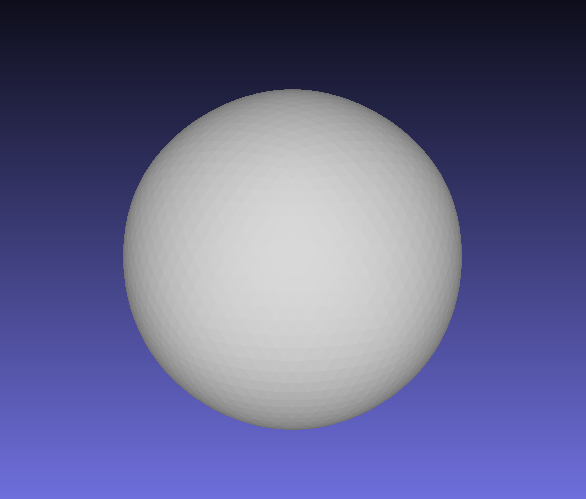 | 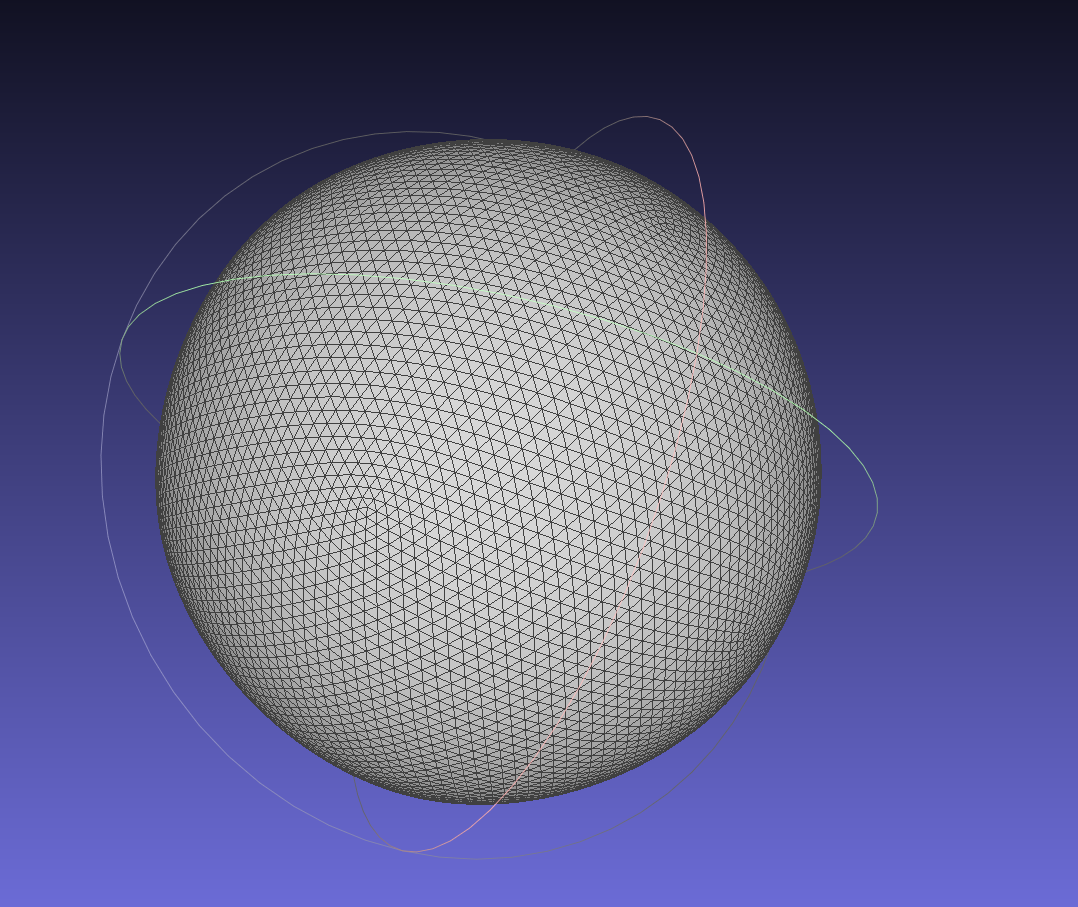 |
| simplify_sphere_full.ini | 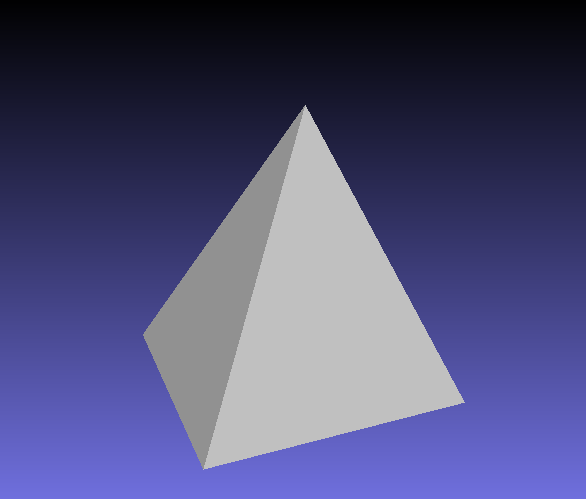 | 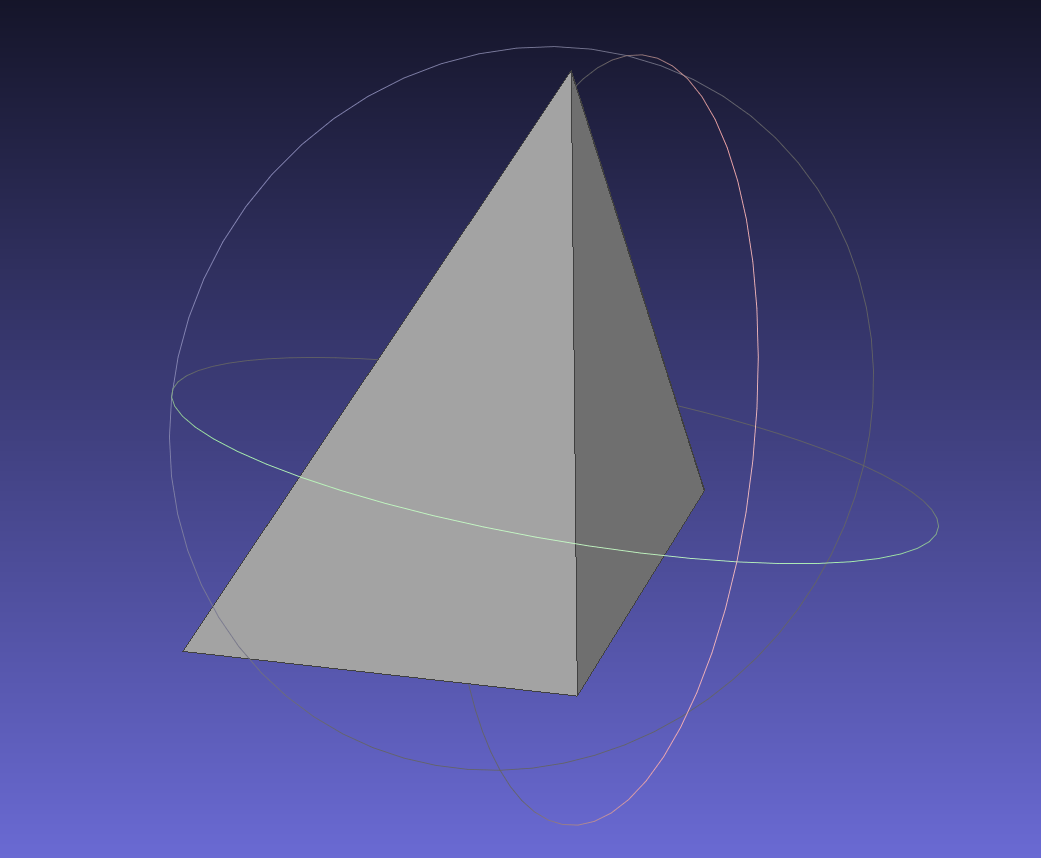 |
| simplify_cow.ini | 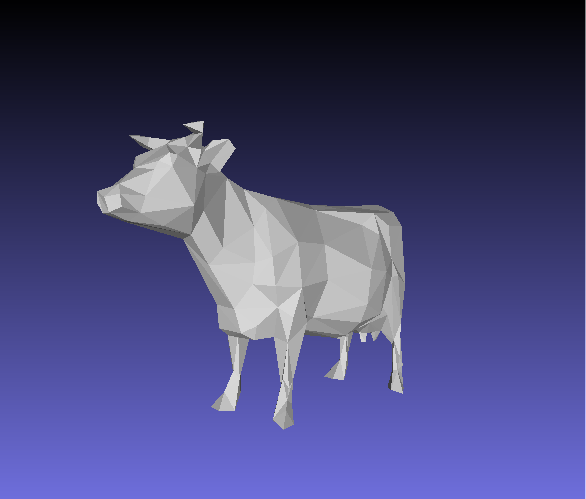 | 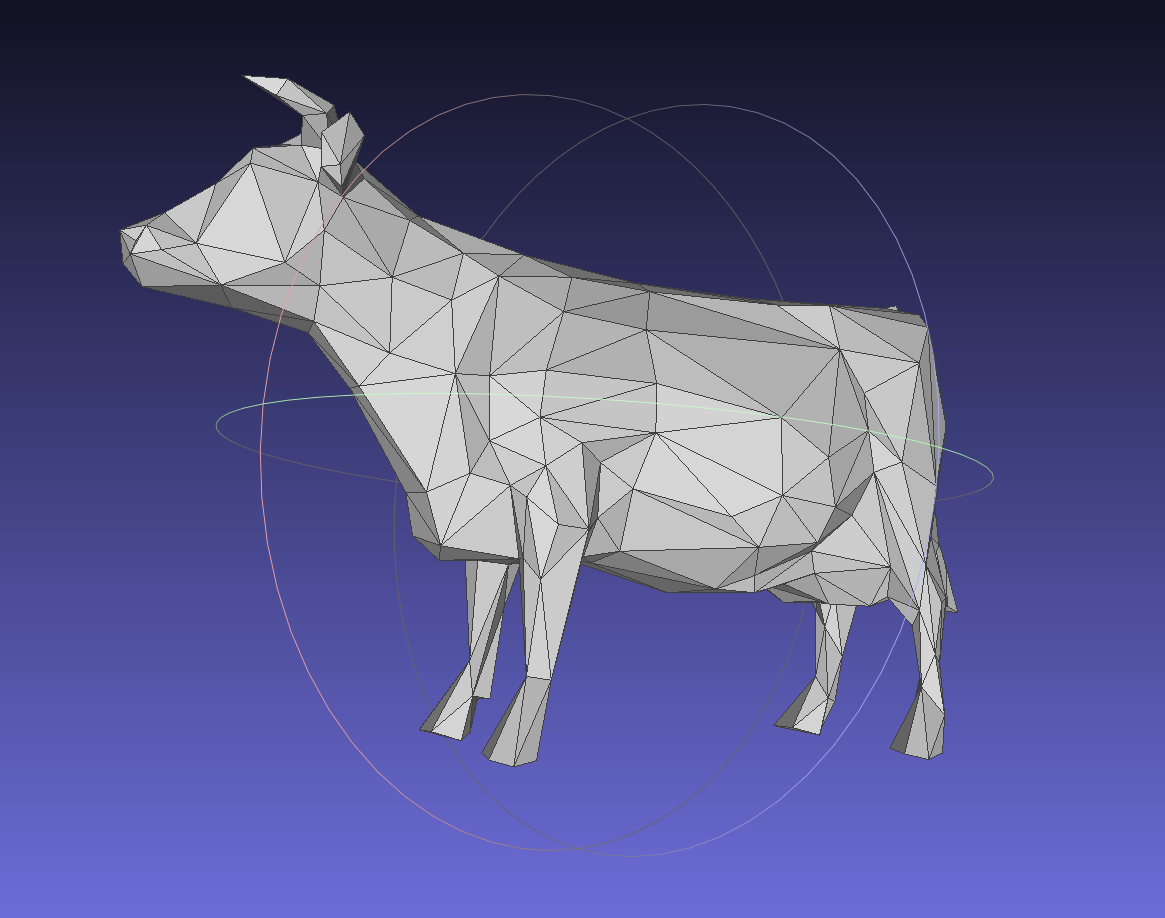 |
Output for Bilateral Mesh Denoising (Note: if you did not implement this you can just skip this part)
.ini File To Produce Output | Noisy Mesh .png | Denoised Mesh .png |
|---|---|---|
extra/denoise_bunny.ini | 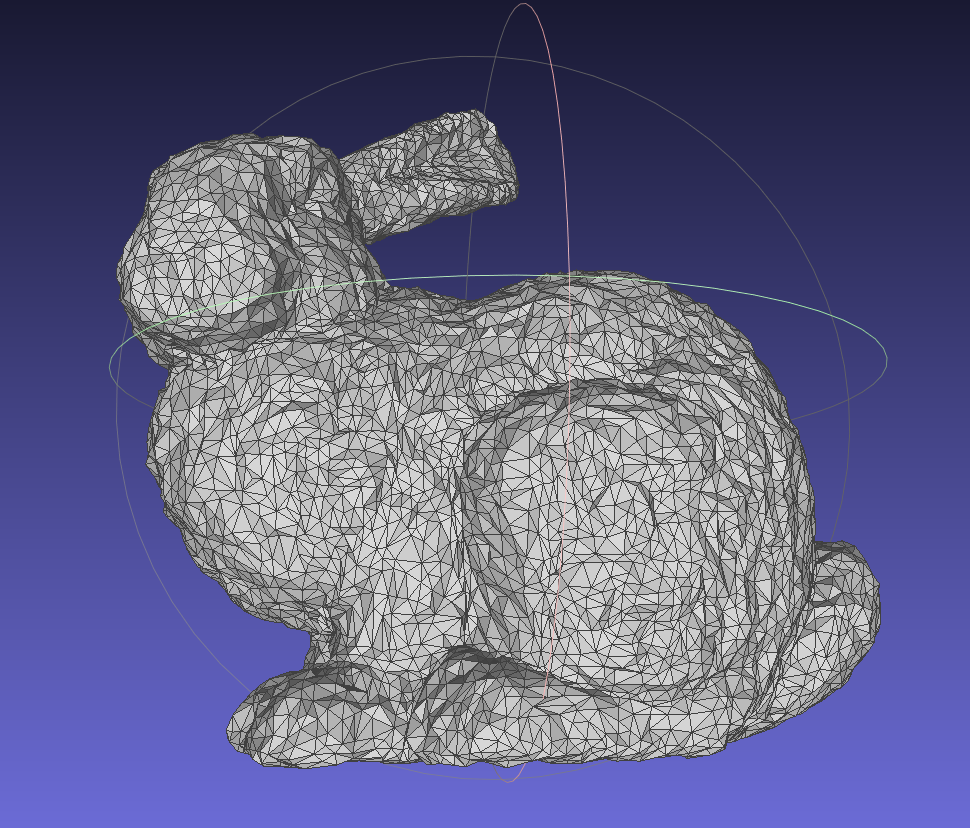 | 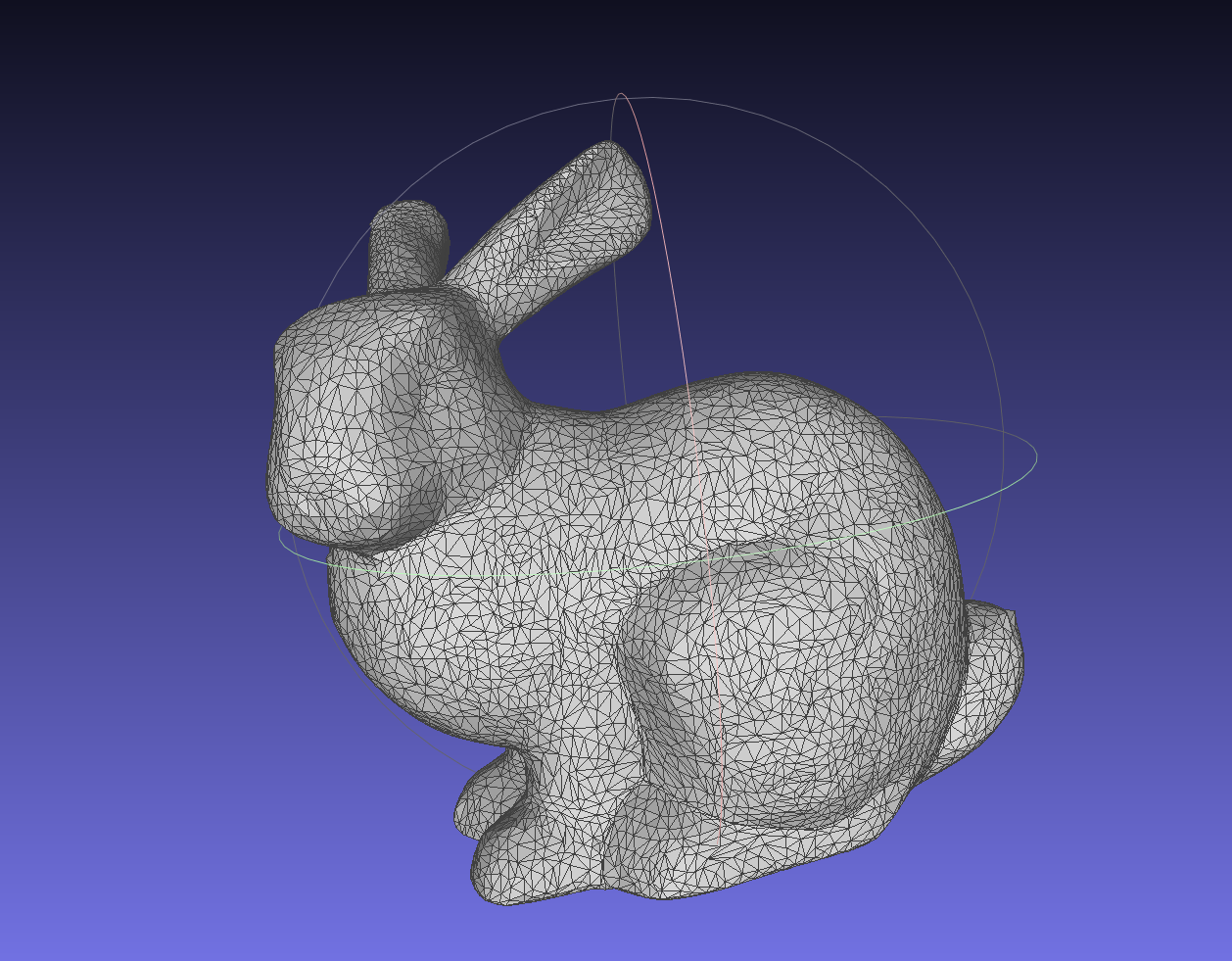 |
.ini File To Produce Output | Noisy Mesh .png | Denoised Mesh .png |
|---|---|---|
extra/denoise_moomoo.ini | 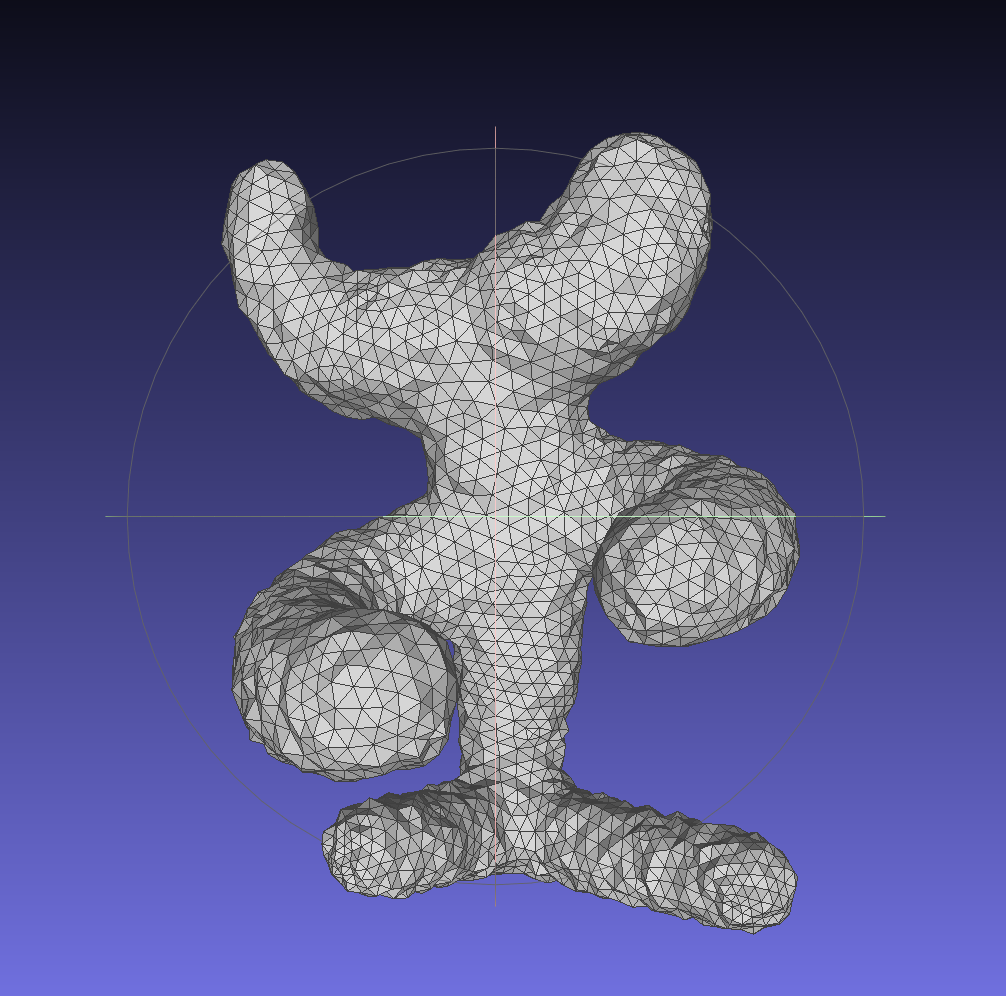 | 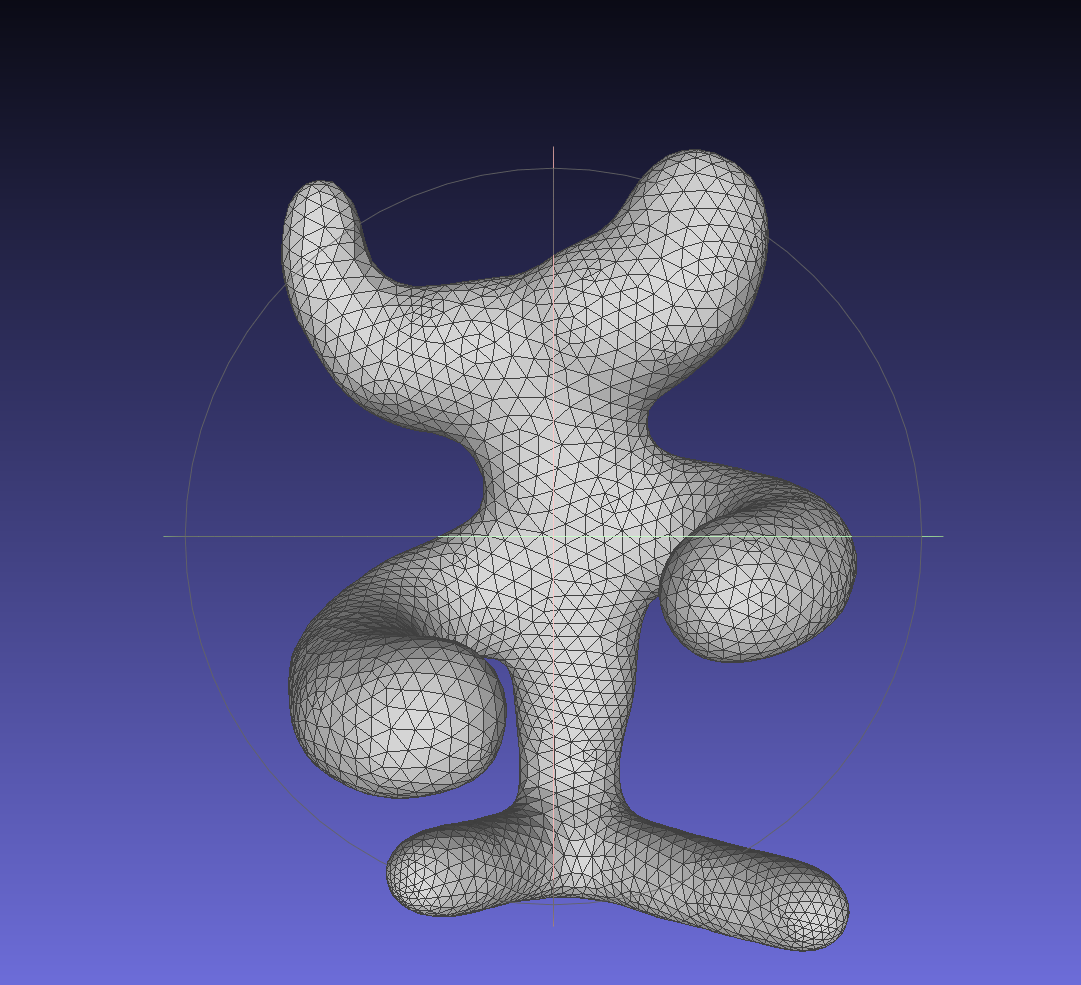 |
Design Choices
Mesh Data Structure
- HalfEdge
- twin halfedge
- next halfedge
- vertex
- edge
- face
- index: unique index for half edge maintained by Mesh class.
- Vertex
- half edge
- index: unique index for vertex maintained by Mesh class.
- degree
- pos, the position of the vertex
- Q, quadric error
- normal, vertex normal, calculated based on face normal
- Edge
- half edge
- index: unique index for edge maintained by Mesh class.
- min point: the point with minimal Q after collapse
- error, collapse error, vt * Q * v
- Face
- half edge
- index: unique index for face maintained by Mesh class.
- Q, quadric error
- normal
- unordered map
- std::unordered_map<int, HalfEdge*> _halfedges: index -> half edge
- std::unordered_map<int, Vertex*> _Hvertices: index -> vertex
- std::unordered_map<int, Face*> _Hfaces: index -> face
- std::unordered_map<int, Edge*> _Hedges: index -> edge
- index counter
- int halfedge_index
- int vertex_index;
- int face_index;
- int edge_index;
Mesh Validator
nullptrcheckassert1~assert5: Loop through the vector of half edges, make sure edge, face, next, twin and vertex are all not null pointer.assert6: Loop through the vector of vertices, make sure the half edge of it is not null pointer.assert7: Loop through the vector of edges, make sure the half edge of it is not null pointer.assert8: Loop through the vector of faces, make sure the half edge of it is not null pointer.
- Edge
assert9: The half edge of the edge of a half edge equals to the half edge itself or its twin half edge. - Twin
assert10: The twin’s twin should be the half edge itself. - Next
assert11: Next for three times will get back to itself. - Vertex:
assert12: The half edge’s vertex should be the same as the vertex of its twin’s next.assert13: The half edge’s vertex should be the same as the vertex of its next * 2’s twin’s.
- Face:
assert14: The half edge’s face is the same as its next’s face.assert15: The half edge’s face is the same as its next’s next’s face.assert16: From the half edge’s face’s half edge, looping through next half edge’s face, finally will go back to the same face.
Run Time/Efficency
- subdivide
- Precompute final position for old vertex
- Precompute final position for new vertex
- see split part
- A map recording the vertices to be flip is created during the split phase
- see flip part
- Assign precomputed final position to all vertices
- simplify
- keep a set of edge index to record edges that cannot be collapsed and skip them
- use std::multiset to Implement quick sorting of errors and select the next collapsed object
- stop until effectively remove n edges or in total “try to” remove 10n edges
- see collapse part
- denoise: follow the algorithm presented by the paper.
- flip
- O(1) constant time flip with half edge data structure
- use vertex.degree to check and maintain manifold of the mesh
- No new objects or pointers will be created. old objects will be modified to form new one.
- update quadric for face, vertex and edge that are affected by this flip.
- update normal for face and vertex that are affected by this flip.
- split
- O(1) constant time flip with half edge data structure
- create and store new objects and pointers for higher half
- old edges and faces are moved to the lower half
- update quadric for face, vertex and edge that are affected by this split.
- update normal for face and vertex that are affected by this split.
- A map recording the vertices to be flip in next stage is created during the split phase
- collapse
- O(1) constant time collapse (O(n) in worst case) in most case with half edge data structure
- Manifold check
- common neighbor < 3
- common neighbor degree != 3
- check normal
- erase internal useless objects (they can be erase first and won’t affect further operations)
- Use a method that looks similar to extrusion to perform collapse
- update quadric for face, vertex and edge that are affected by this collapse.
Collaboration/References
Han, Xian-Feng, et al. “A review of algorithms for filtering the 3D point cloud.” Signal Processing: Image Communication 57 (2017): 103-112.
Known Bugs
N/A
Chengfan Li
He once lost a diamond cuff-link in the wide blue sea.