Ray Tracer
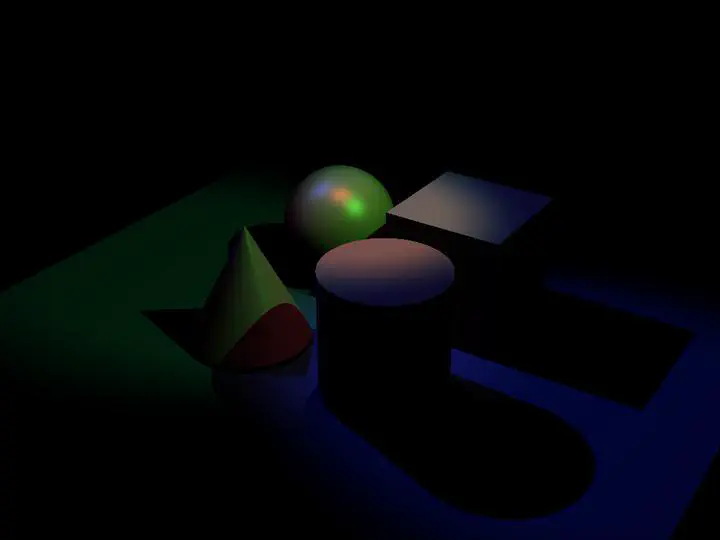
Output Comparison
Run the program with the specified .ini file to compare your output (it should automatically save to the correct path).
If your program can’t find certain files or you aren’t seeing your output images appear, make sure to:
- Set your working directory to the project directory
- Set the command-line argument in Qt Creator to
template_inis/illuminate/<ini_file_name>.ini- Clone the
scenefilessubmodule. If you forgot to do this when initially cloning this repository, rungit submodule update --init --recursivein the project directory
Note: once all images are filled in, the images will be the same size in the expected and student outputs.
| File/Method To Produce Output | Expected Output | Your Output |
|---|---|---|
| point_light_1.ini |  | 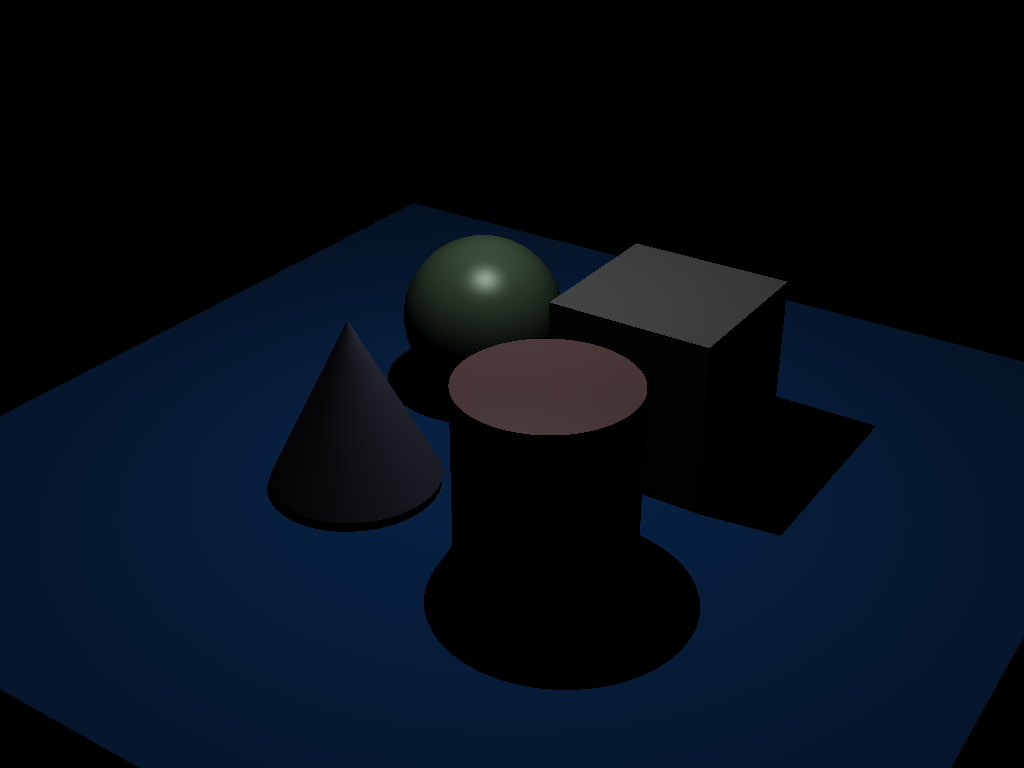 |
| point_light_2.ini |  | 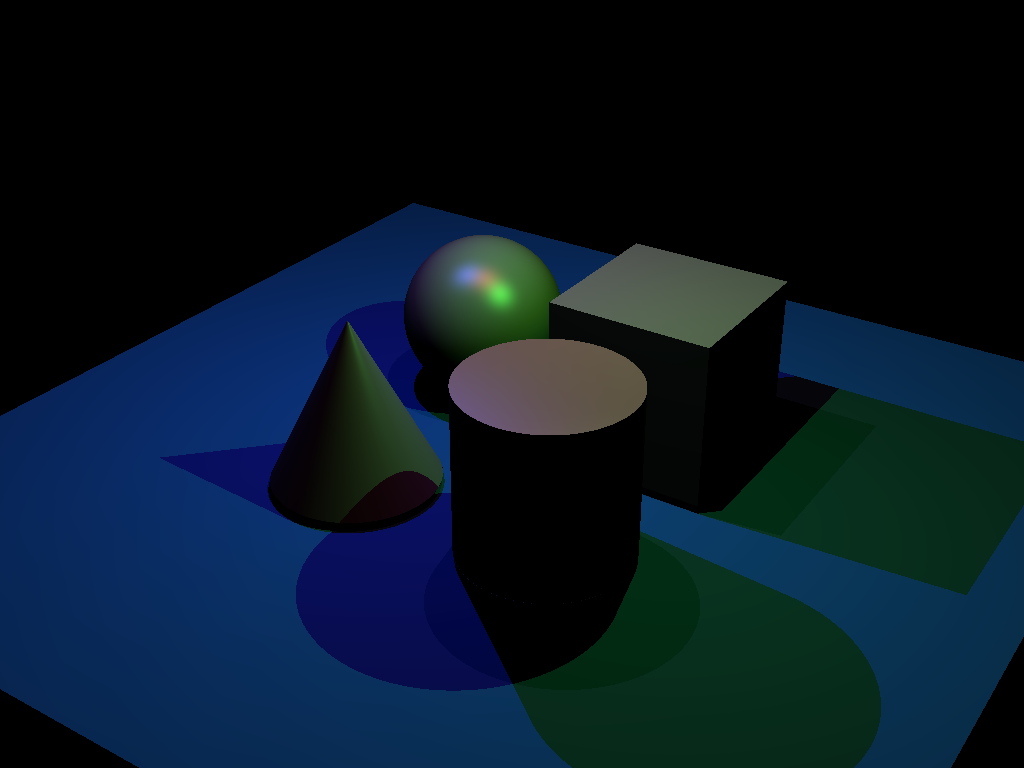 |
| spot_light_1.ini |  | 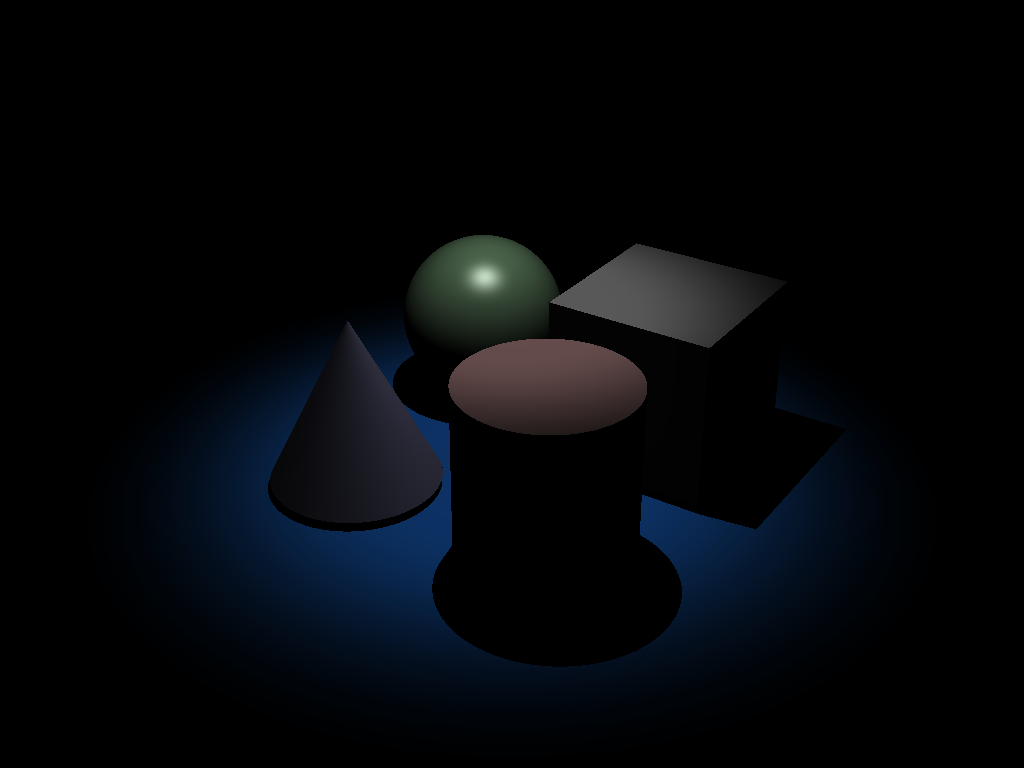 |
| spot_light_2.ini |  | 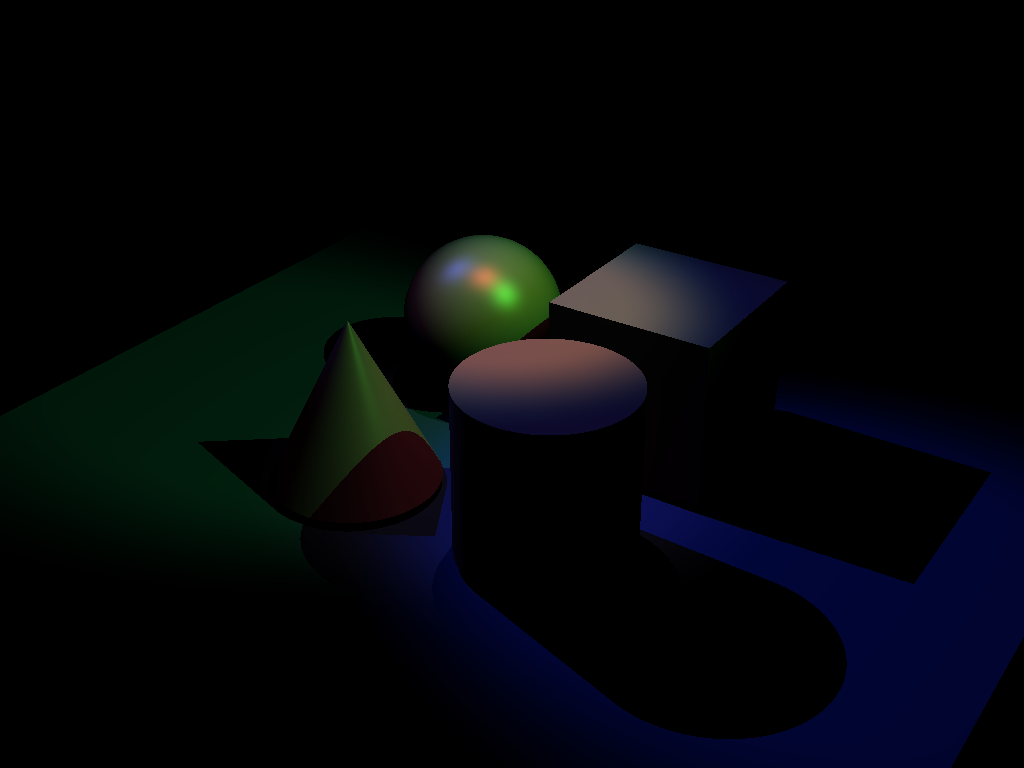 |
| simple_shadow.ini |  | 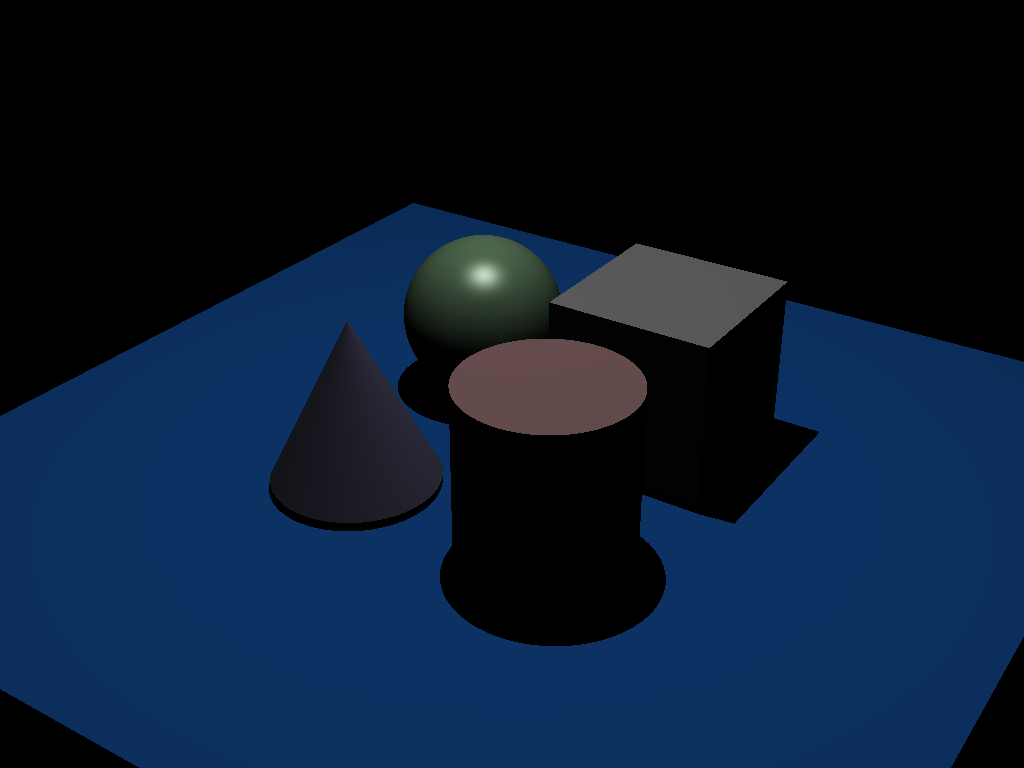 |
| shadow_test.ini |  | 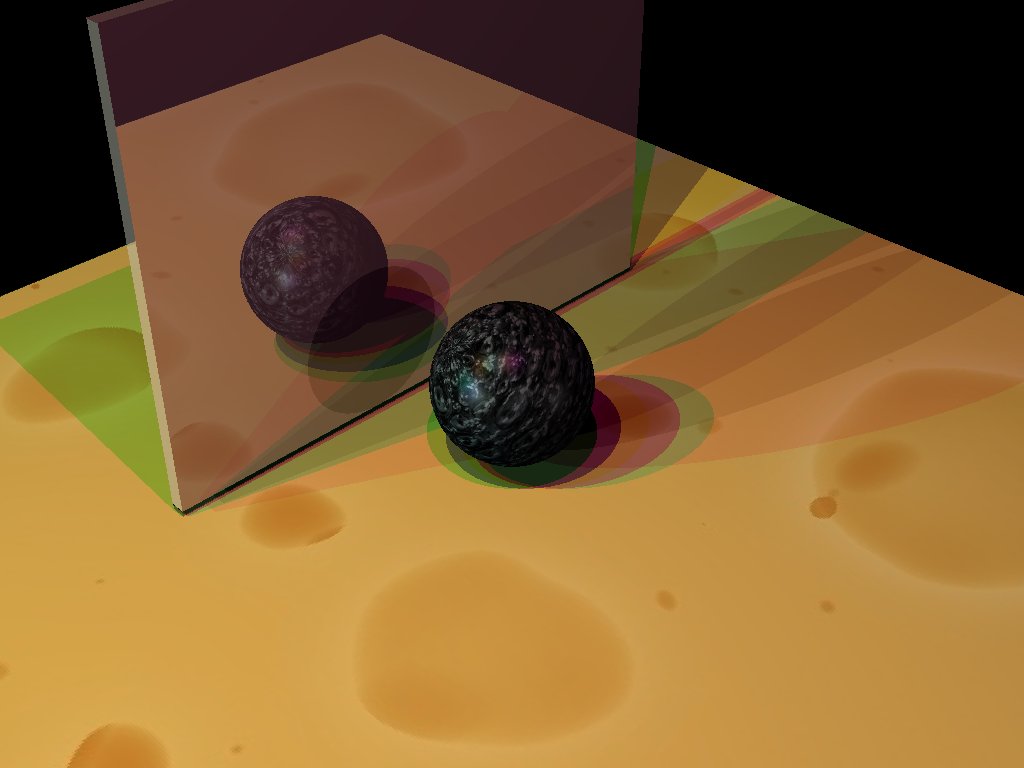 |
| shadow_special_case.ini |  | 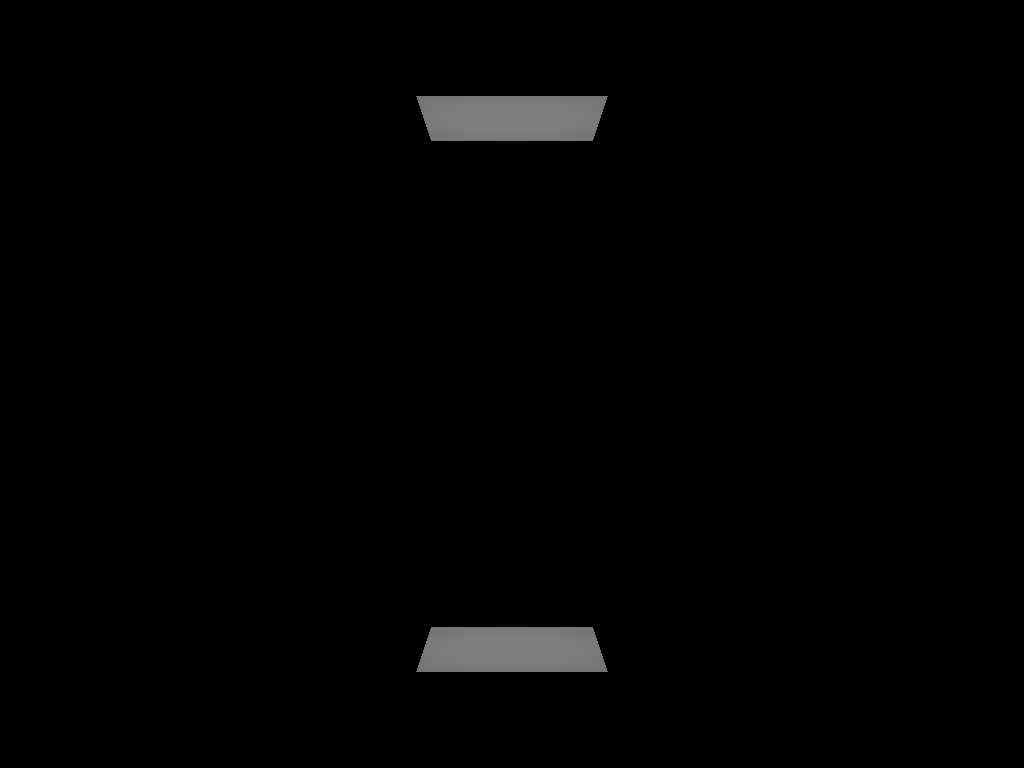 |
| reflections_basic.ini |  | 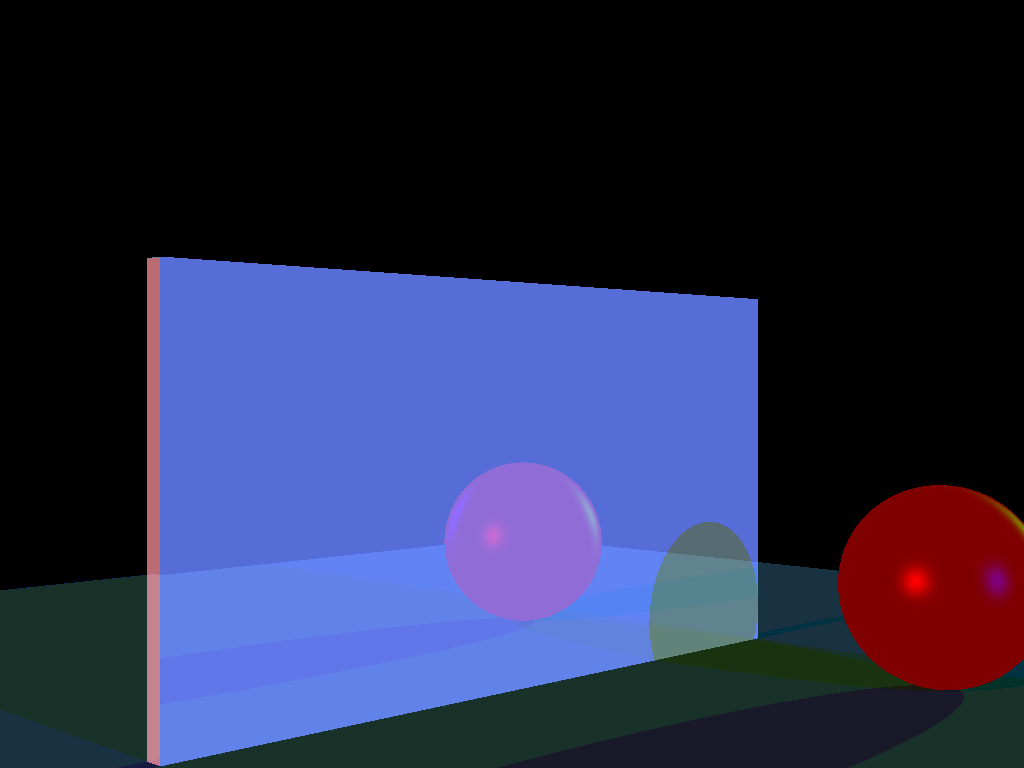 |
| reflections_complex.ini |  | 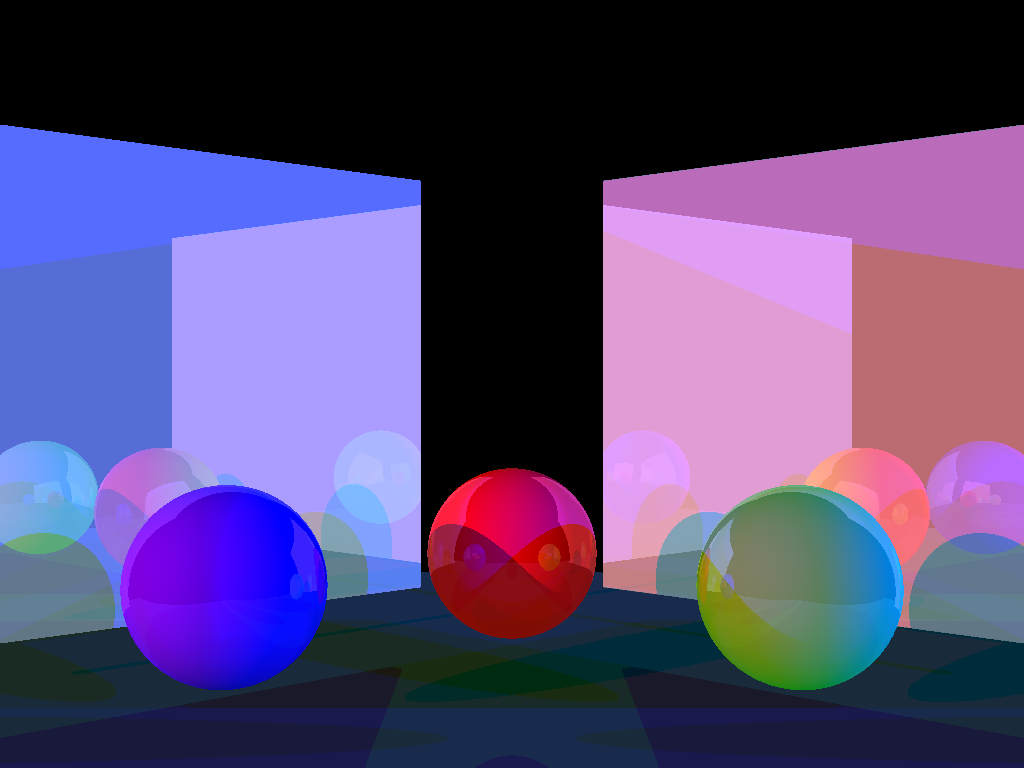 |
| texture_cone.ini |  | 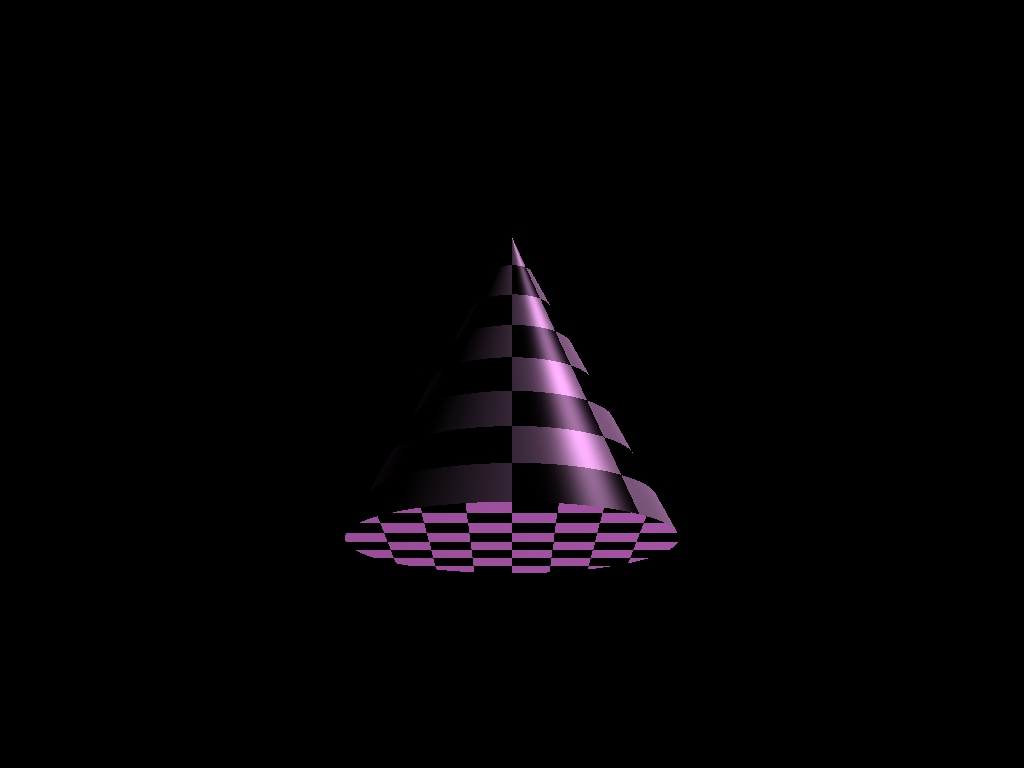 |
| texture_cone2.ini |  |  |
| texture_cube.ini |  | 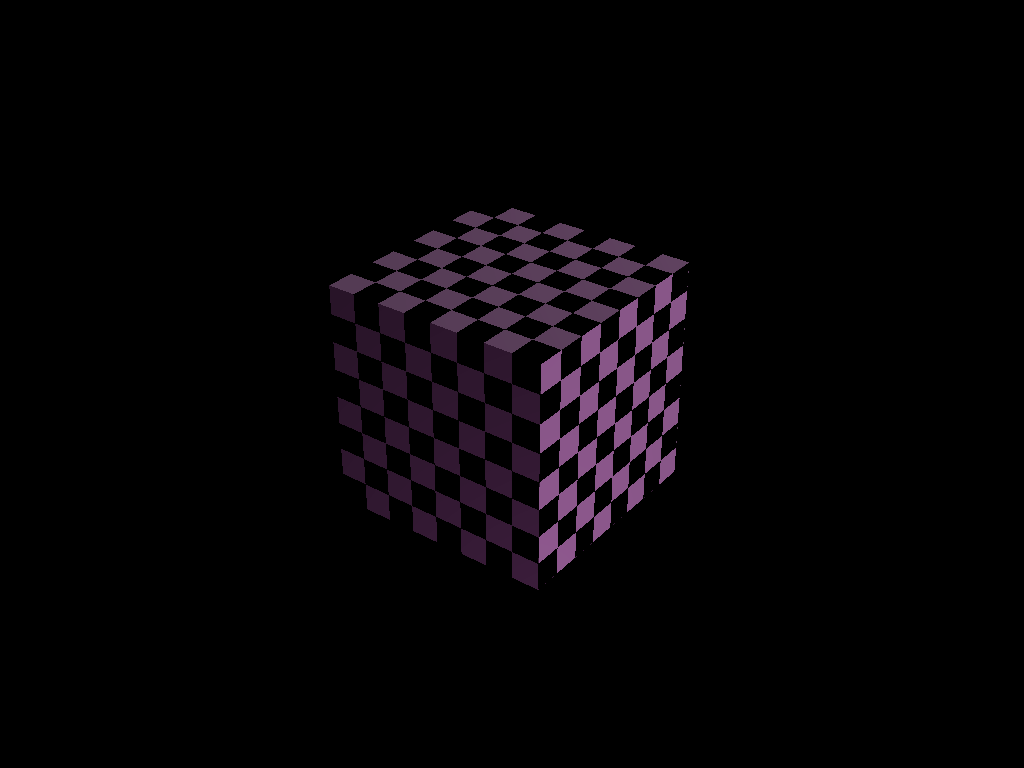 |
| texture_cube2.ini |  | 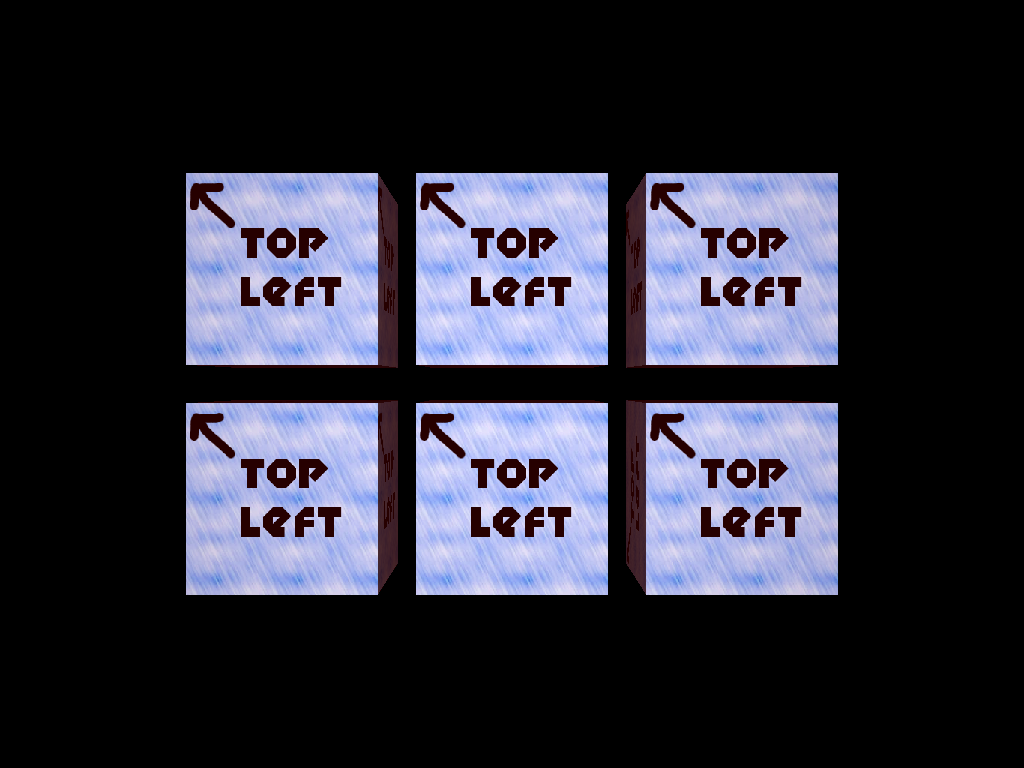 |
| texture_cyl.ini |  | 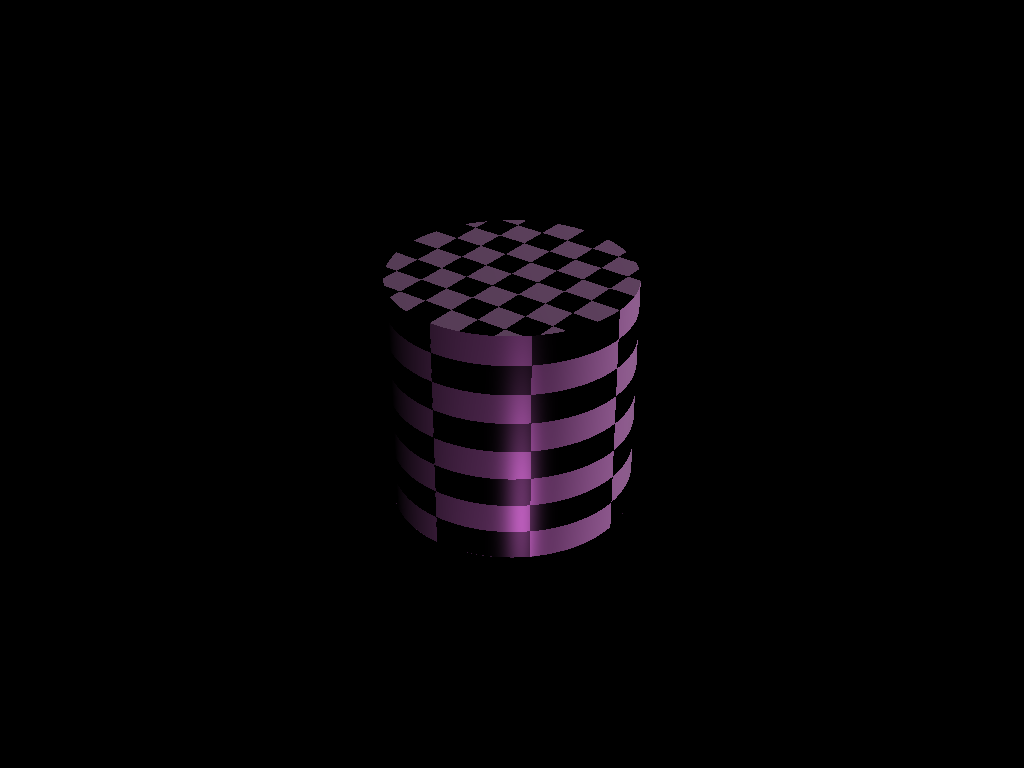 |
| texture_cyl2.ini |  | 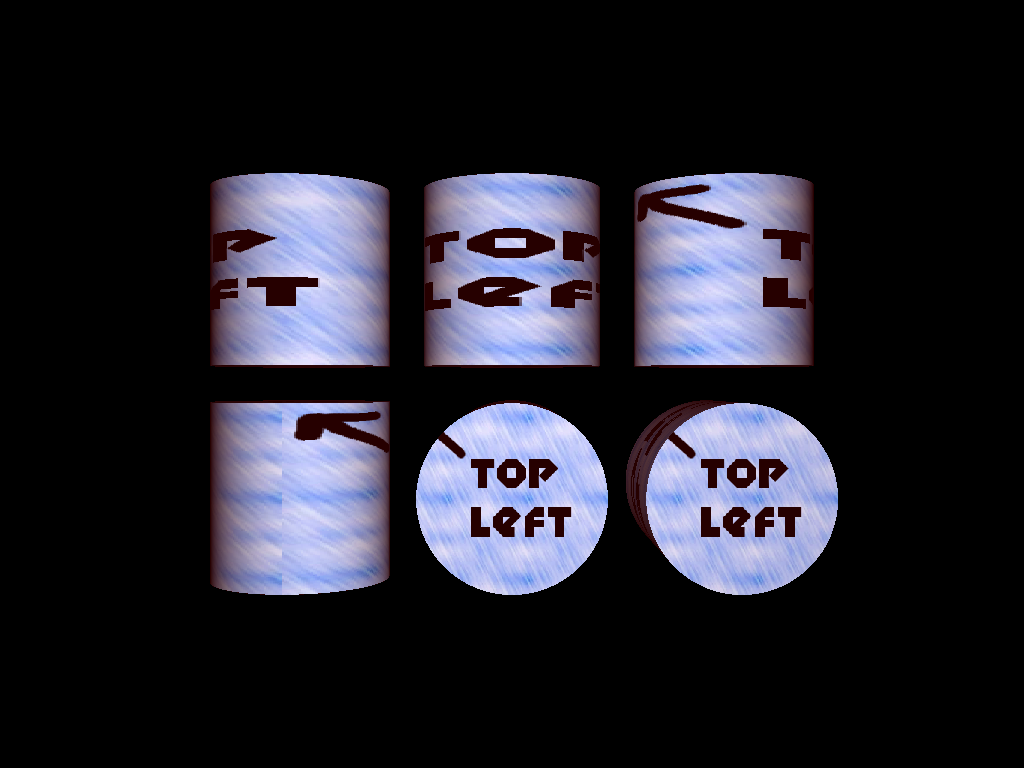 |
| texture_sphere.ini |  |  |
| texture_sphere2.ini |  | 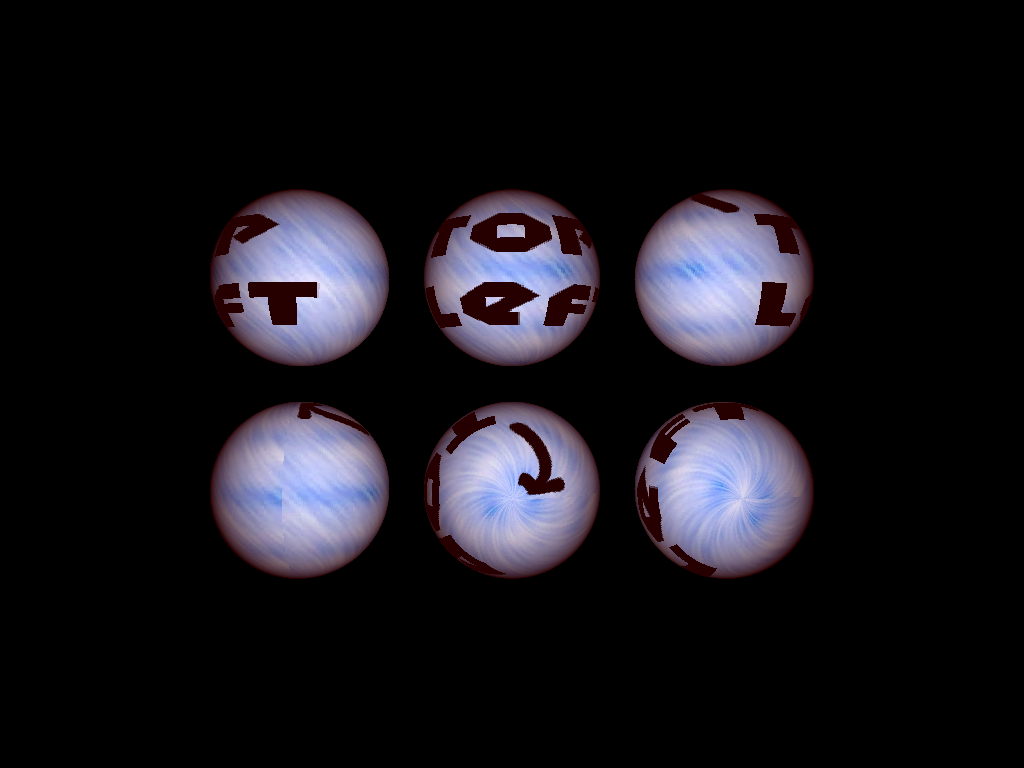 |
Design Choices
Texture
Calculate the diffuse value using blending and pass it to the light to calculate the final effect.
Texture Bilinear Filtering
Find the four nearest pixels in the four corners around the intersected point and use the bilinear interpolation similar to lab7.
Refraction
Use the following formula to calculate the refracted direction and a similar code as reflection to recursively calculate the refraction effect.
$\vec{\omega_o} = \sqrt{1 - \frac{1}{\mu^2} [1 - (\vec{n} \cdot \vec{\omega_i})^2]} + \frac{1}{\mu}[-\vec{\omega_i} + (\vec{n} \cdot \vec{\omega_i})\vec{n}]$
Soft Shadow
Use a new type of light LightType::LIGHT_SOFT with a finite area length x length. Sample a random location on the light source for soft-samples times and use the average value to be the color of the shadow.
Collaboration/References
N/A
Known Bugs
Refraction does not achieve the expected result for
refract2.pngWhen the sample number of the soft shadow is large (i.e. set a large
soft-samplesin the.inifile), the speed of the ray tracer is slow.
Extra Credit
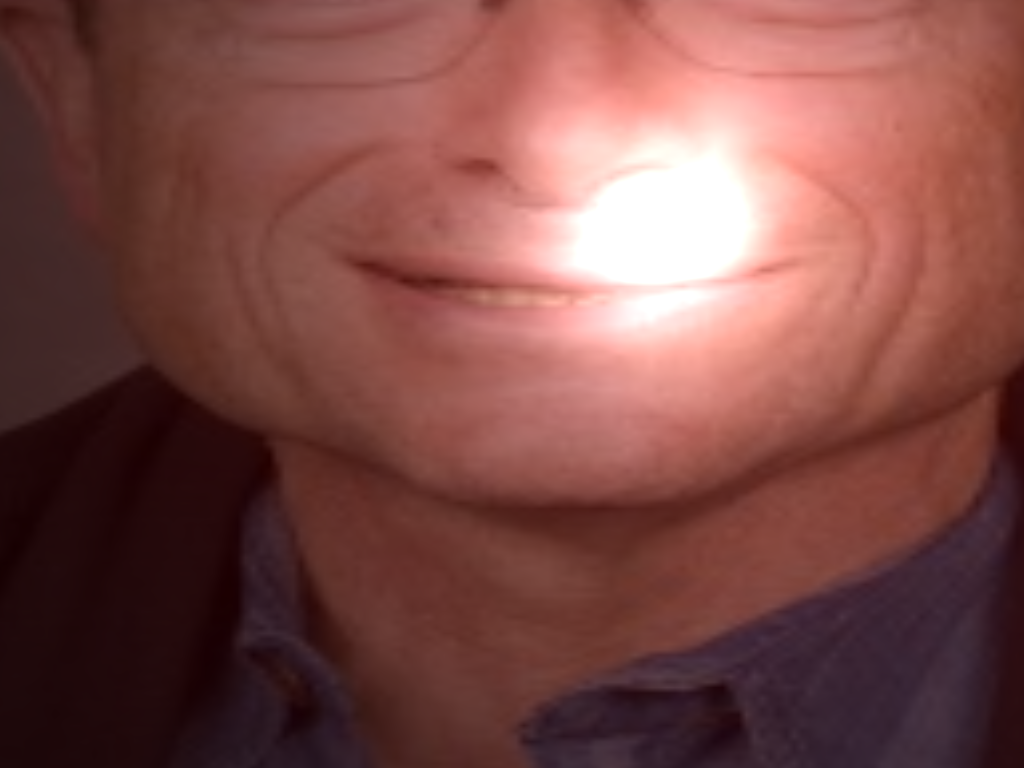
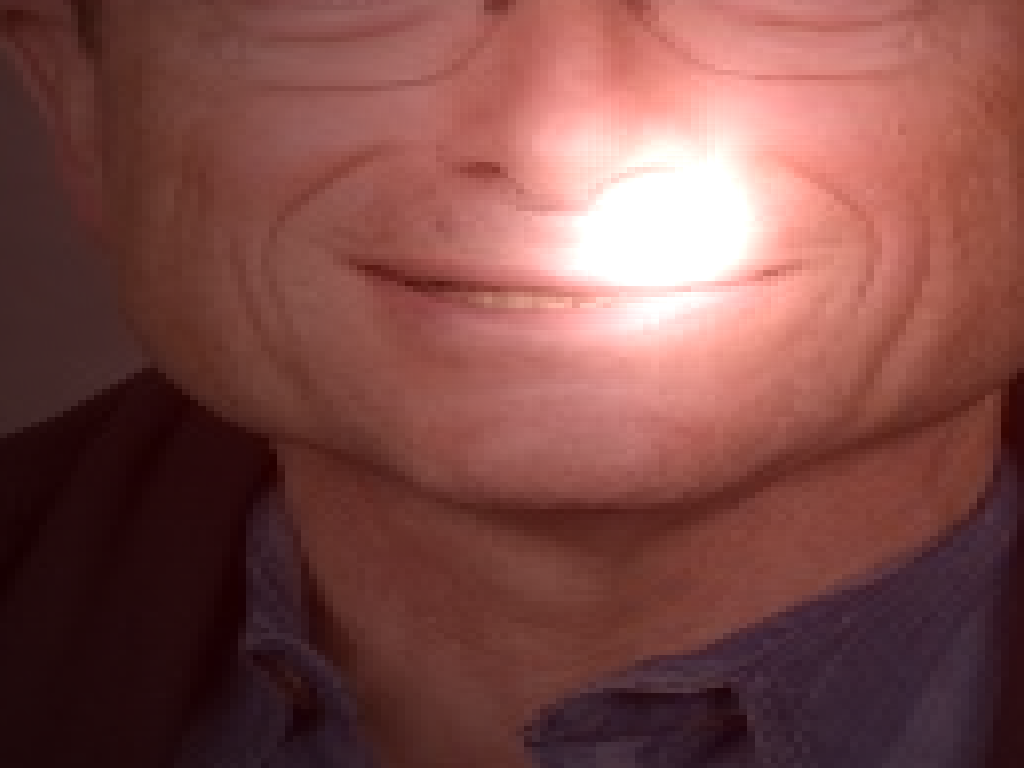
Texture Bilinear Filtering
Set bi-filtering = true inside the .ini file.
Use the following two command line arguments to compare the output.
template_inis/illuminate/extra_credit/bilinear.ini
template_inis/illuminate/extra_credit/bilinear_off.ini
Refraction
light.cpp -> refraction
Set refract = true inside the .ini file.
Use the following two command line arguments to see the output.
template_inis/illuminate/extra_credit/refract1.ini
template_inis/illuminate/extra_credit/refract2.ini
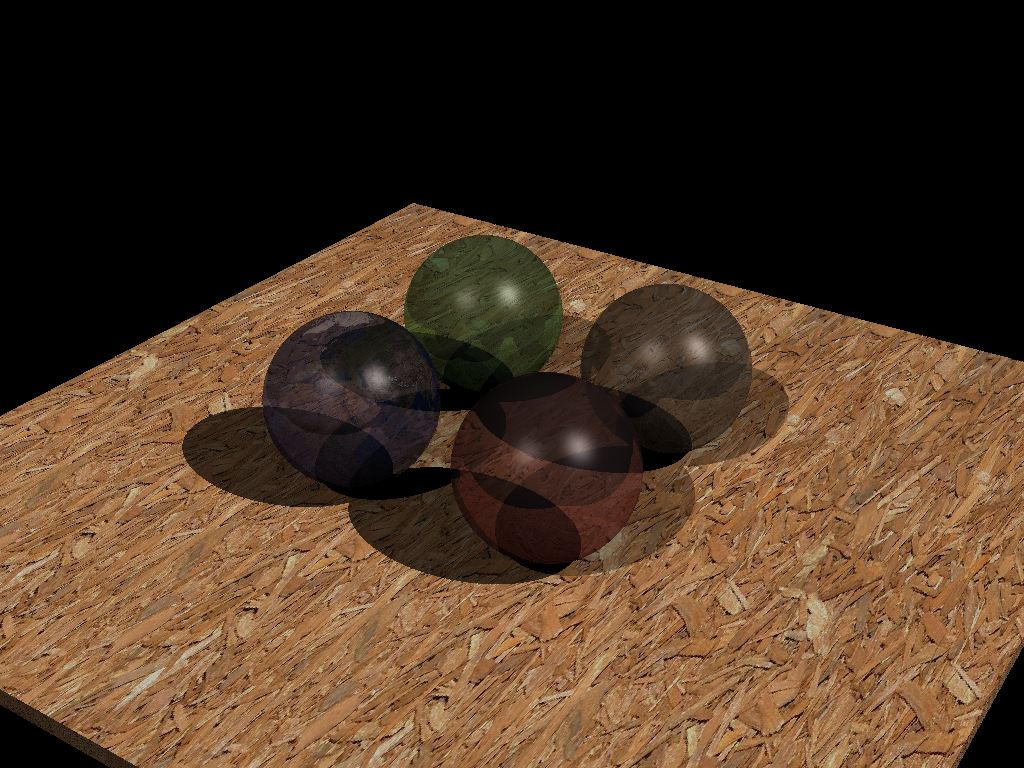
The output for refract1 is similar to the expected output.
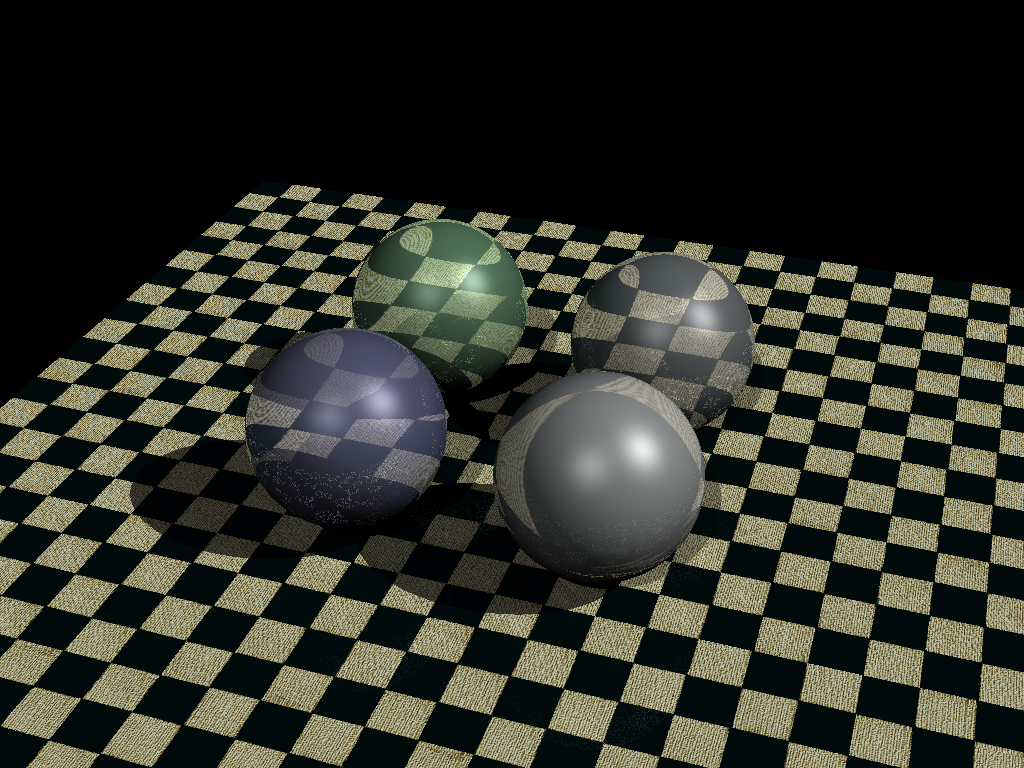
but the output for refract2 does not achieve the expected results.
Soft Shadow
light.cpp and sceneparser.cpp
Add a new type of light
LightType::LIGHT_SOFTwith a new parameterlengththat specifies the side length for the light, and reuse other parameters and code forLightType::LIGHT_SPOT.Example usage for
.jsonfile to createLightType::LIGHT_SOFT
"lights": [
        {
          "type": "soft",
          "color": [1.0, 1.0, 1.0],
          "direction": [0.0, -1.0, 0.0],
          "angle": 30.0,
          "penumbra": 20.0,
          "attenuationCoeff": [0.8, 0.05, 0.0],
	 	  "length": 0.3
        }
    ]
Set
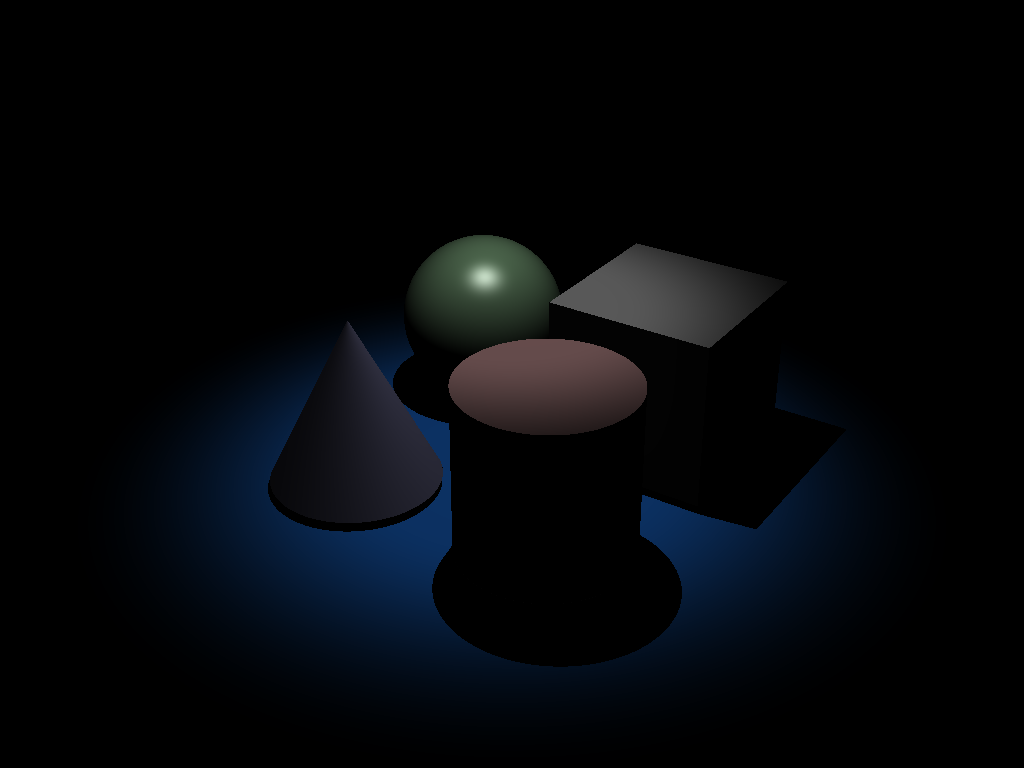
soft-samples = 50inside the.inifile to specify sample points.Use the following two command line arguments to compare the output.
template_inis/illuminate/extra_credit/softshadow.initemplate_inis/illuminate/extra_credit/softshadow_off.ini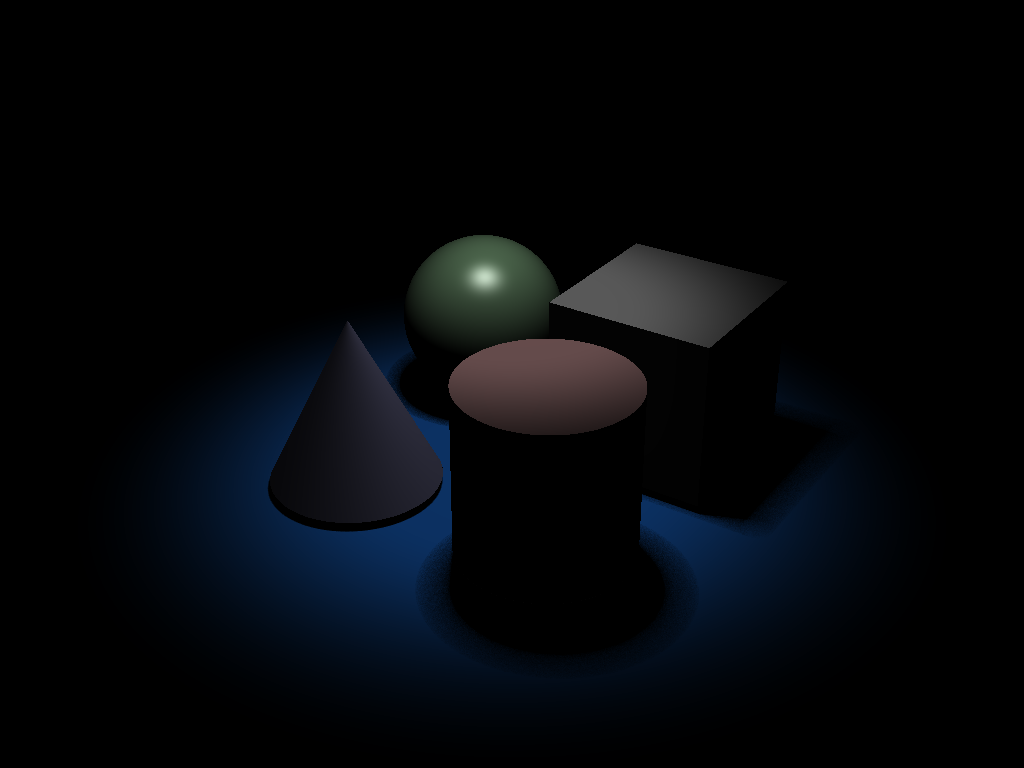
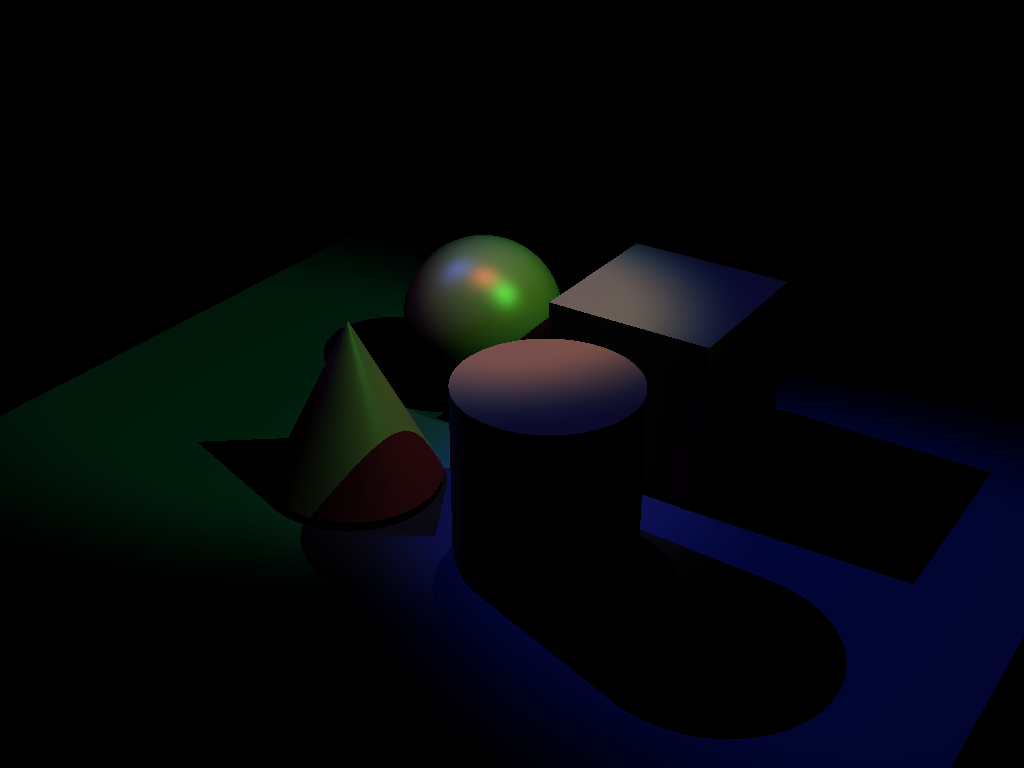
Use the following two command line arguments to compare the output.
template_inis/illuminate/extra_credit/softshadow2.initemplate_inis/illuminate/extra_credit/softshadow2_off.ini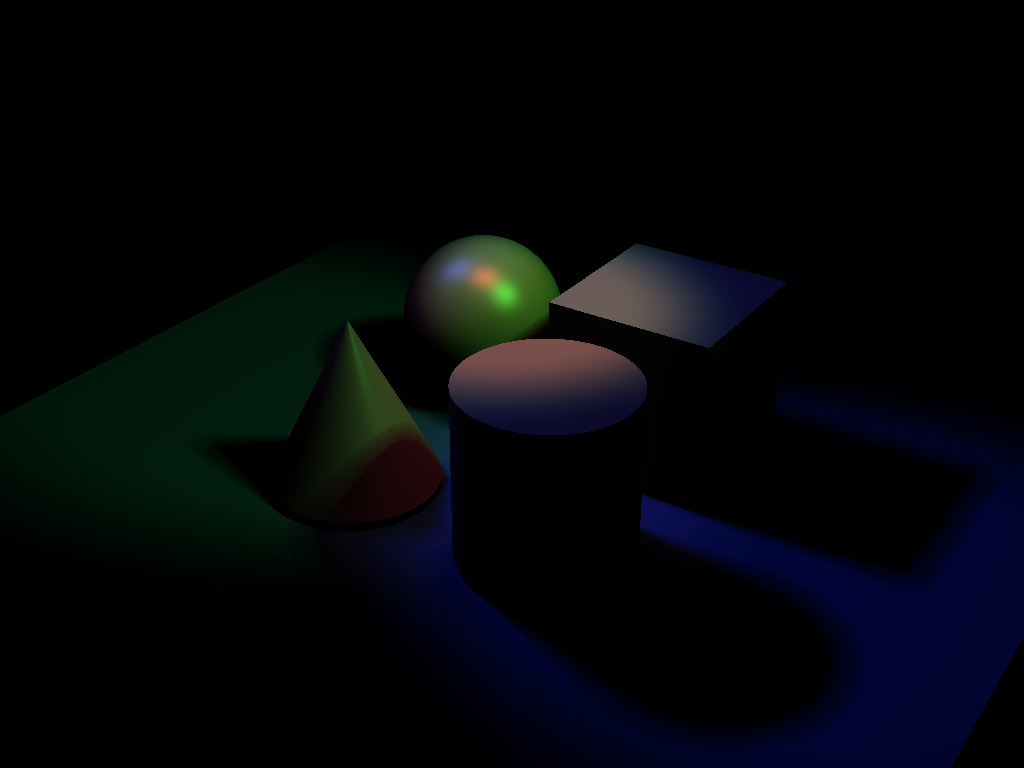
Output Comparison
Run the program with the specified .ini file to compare your output (it should automatically save to the correct path).
If your program can’t find certain files or you aren’t seeing your output images appear, make sure to:
- Set your working directory to the project directory
- Set the command-line argument in Qt Creator to
template_inis/intersect/<ini_file_name>.ini- Clone the
scenefilessubmodule. If you forgot to do this when initially cloning this repository, rungit submodule update --init --recursivein the project directory
Note: once all images are filled in, the images will be the same size in the expected and student outputs.
| File/Method To Produce Output | Expected Output | Your Output |
|---|---|---|
| unit_cone.ini |  | 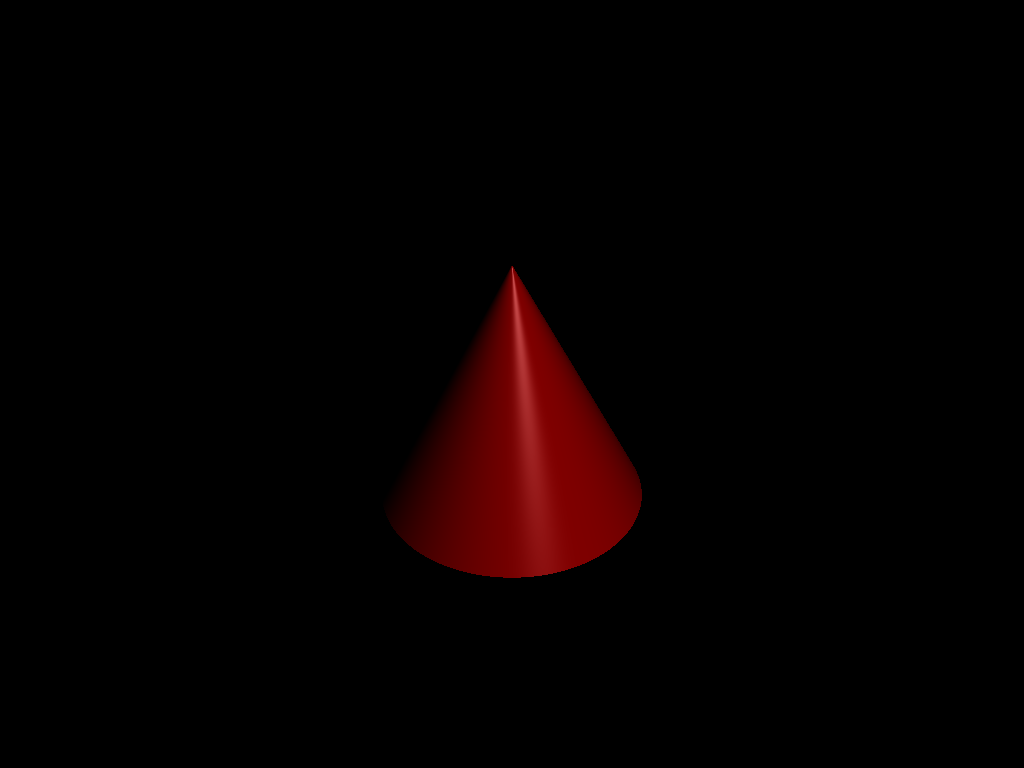 |
| unit_cone_cap.ini | 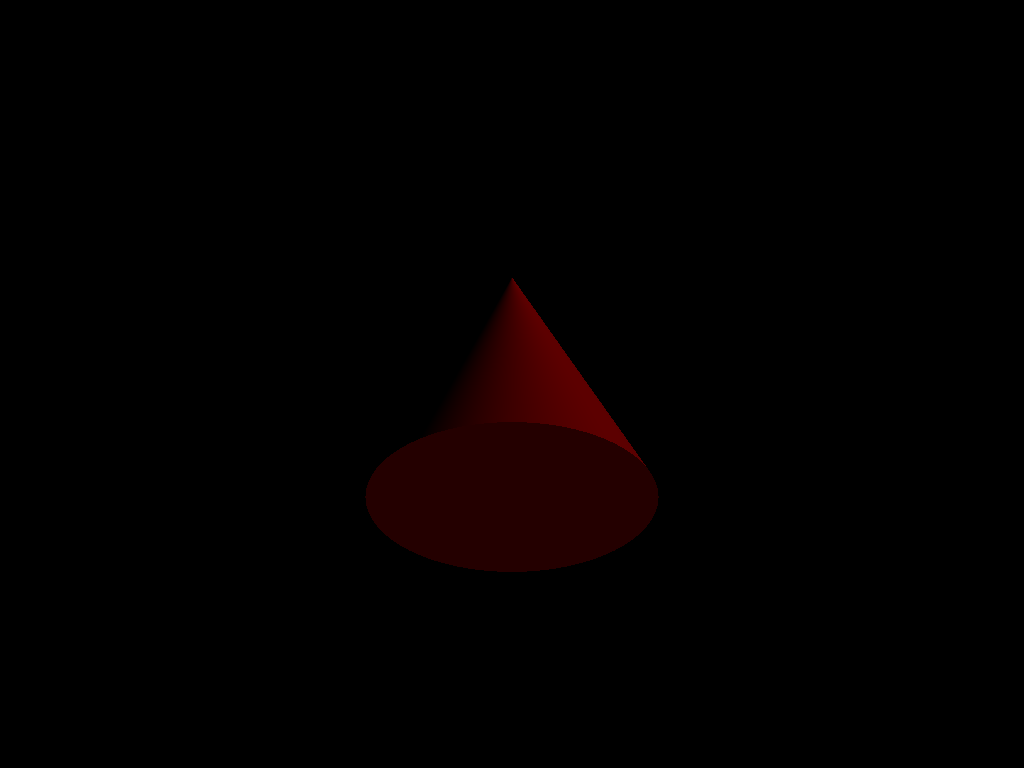 | 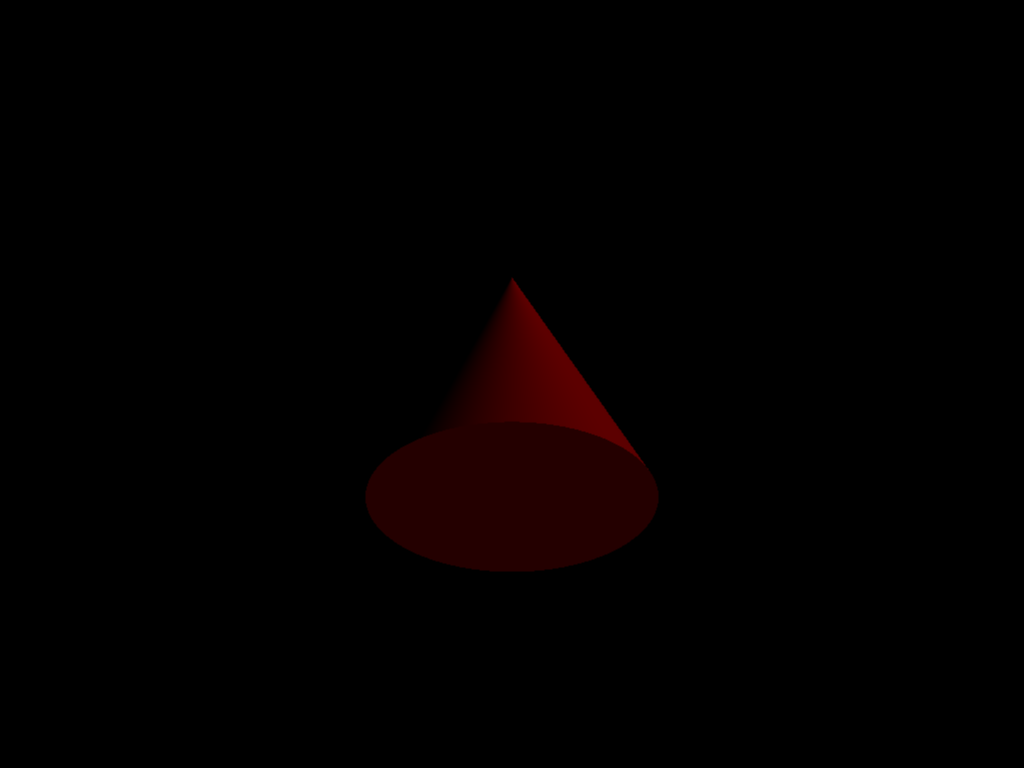 |
| unit_cube.ini | 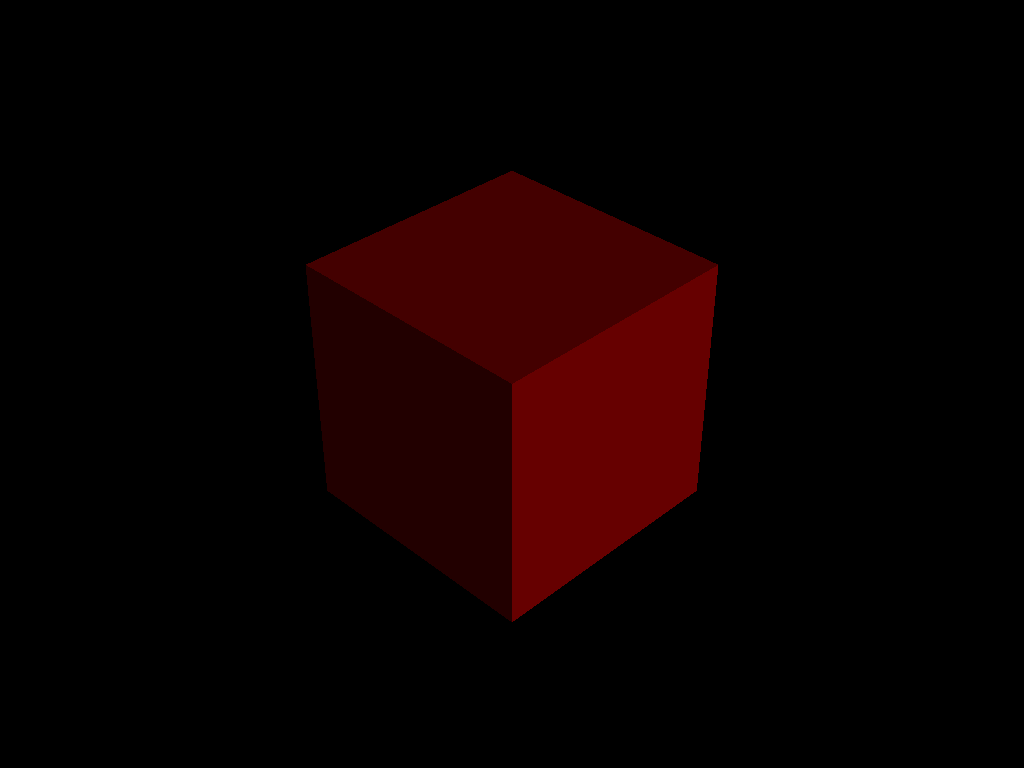 | 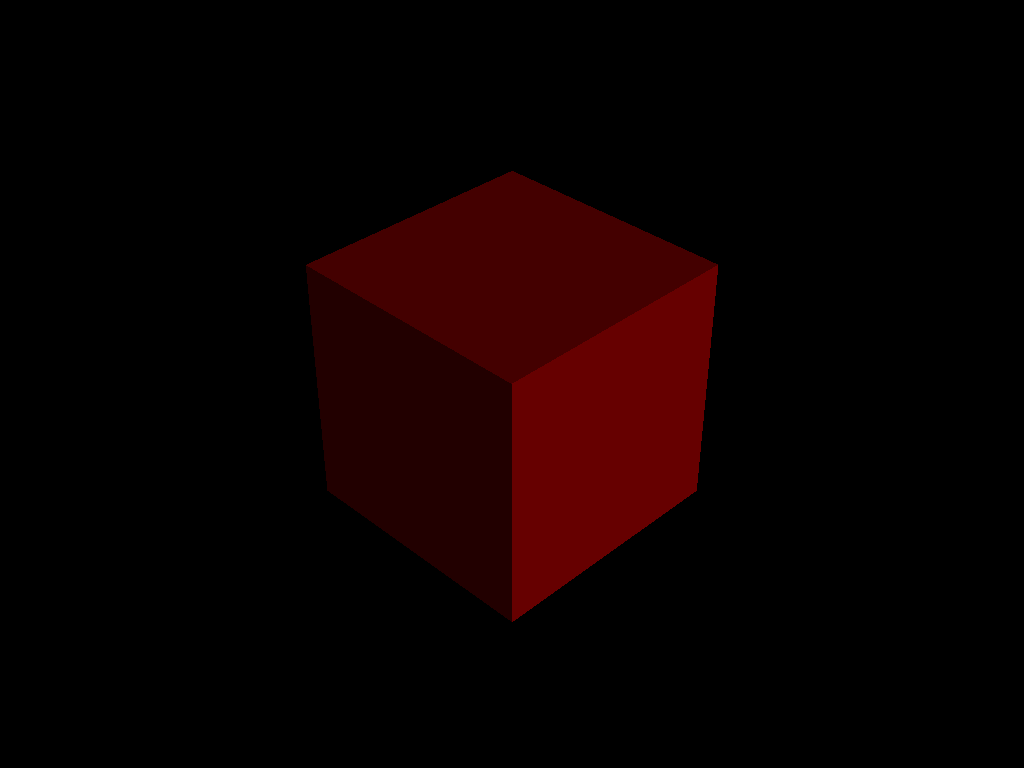 |
| unit_cylinder.ini | 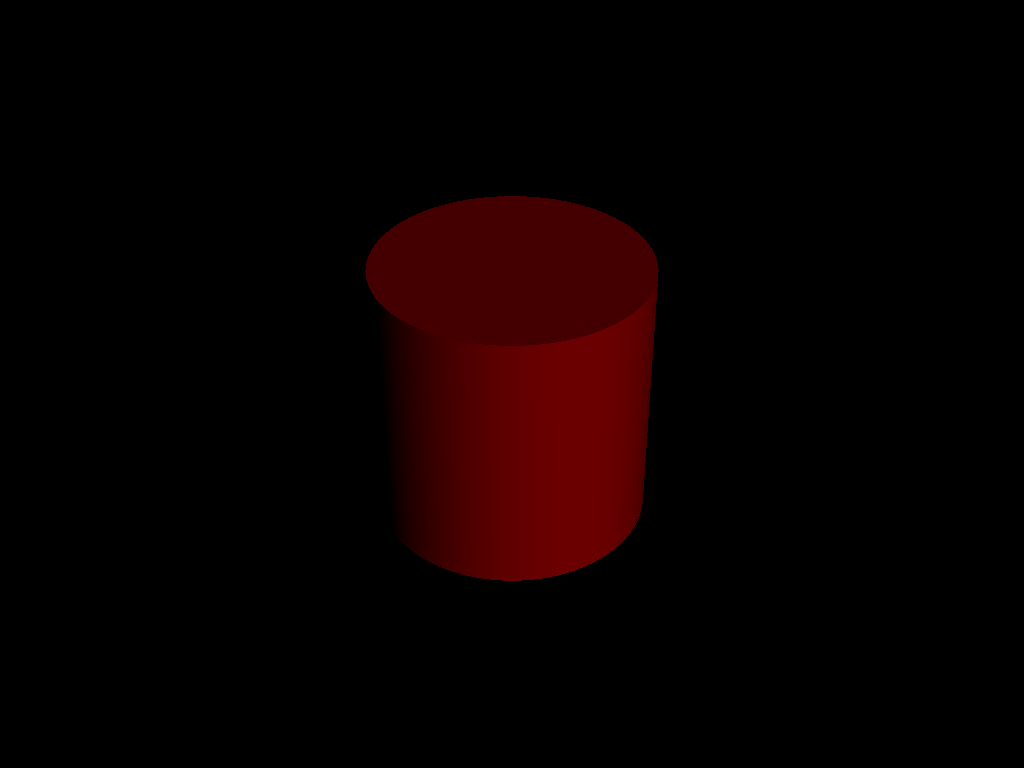 | 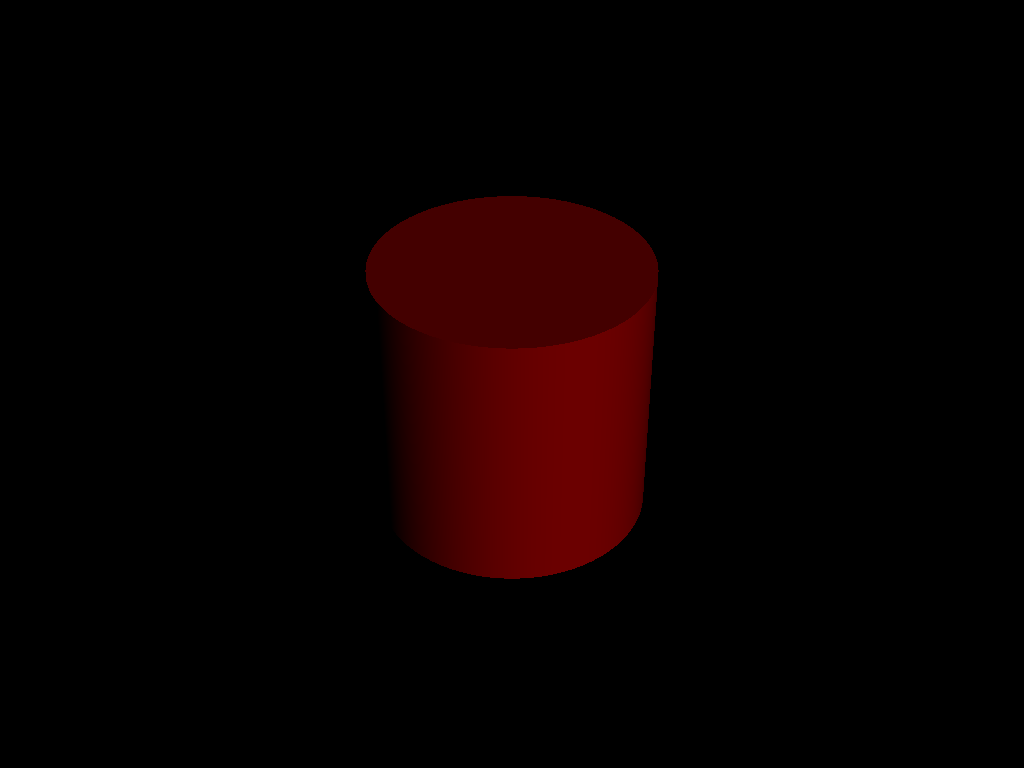 |
| unit_sphere.ini | 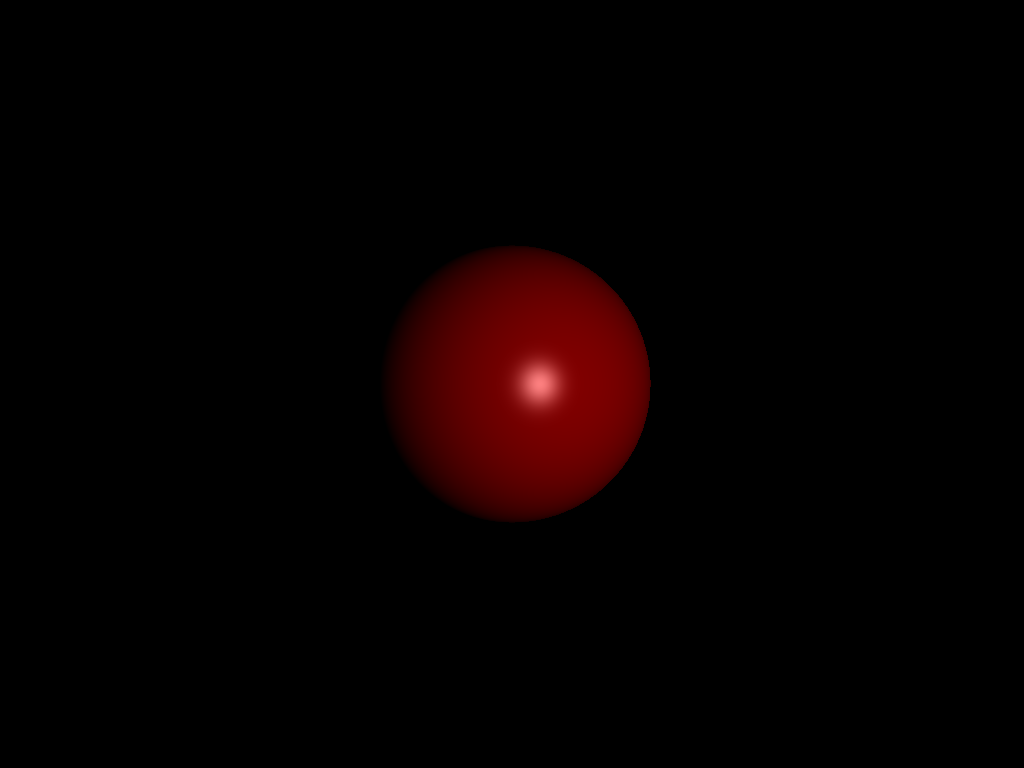 | 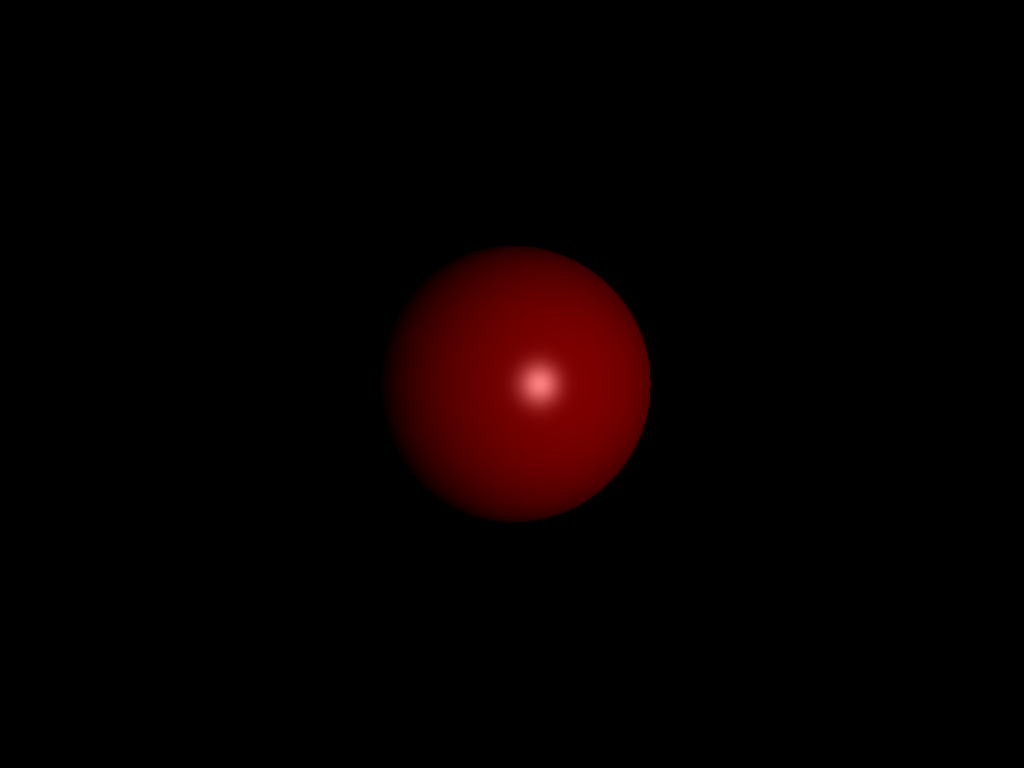 |
| parse_matrix.ini | 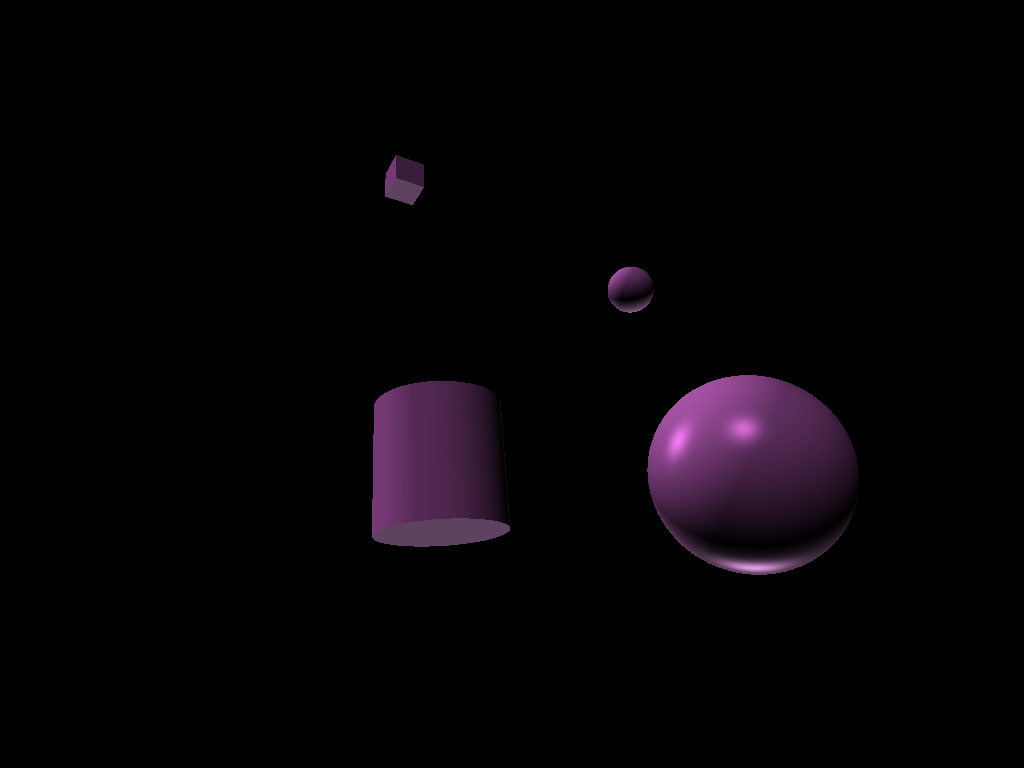 | 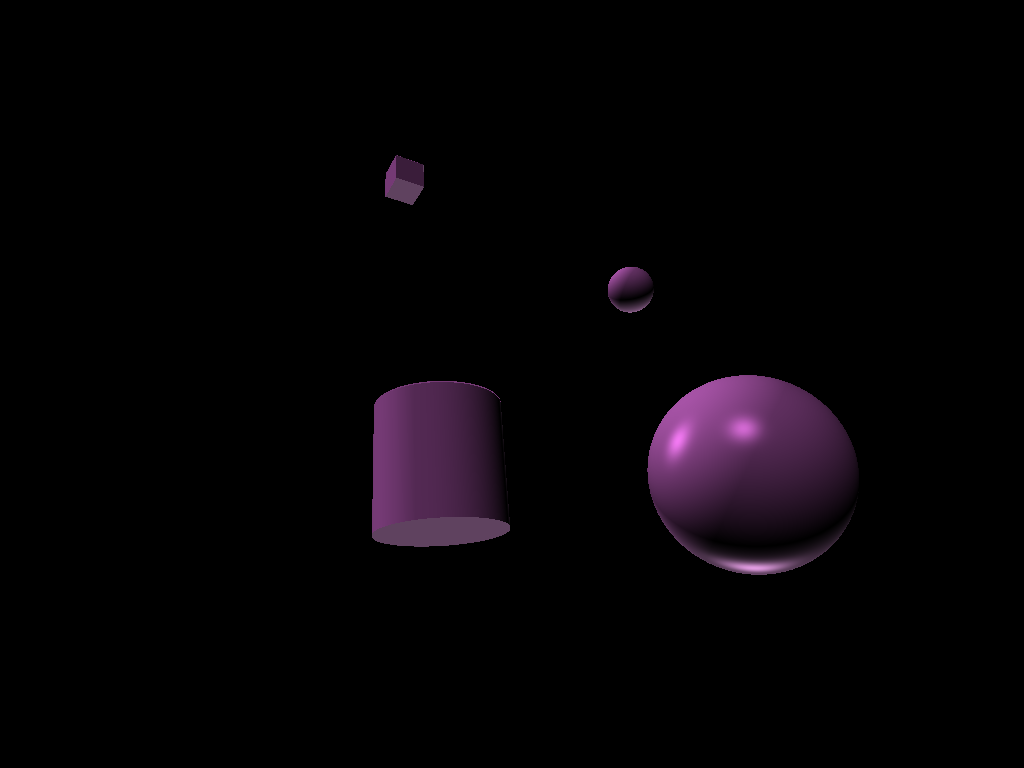 |
| ambient_total.ini |  |  |
| diffuse_total.ini | 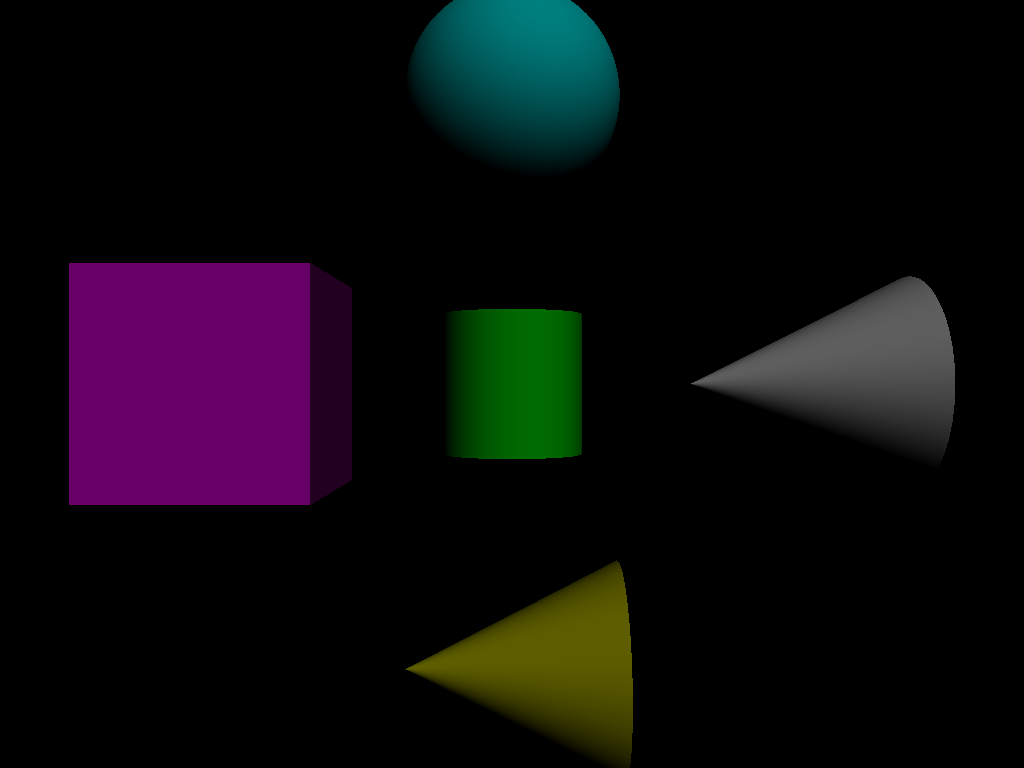 | 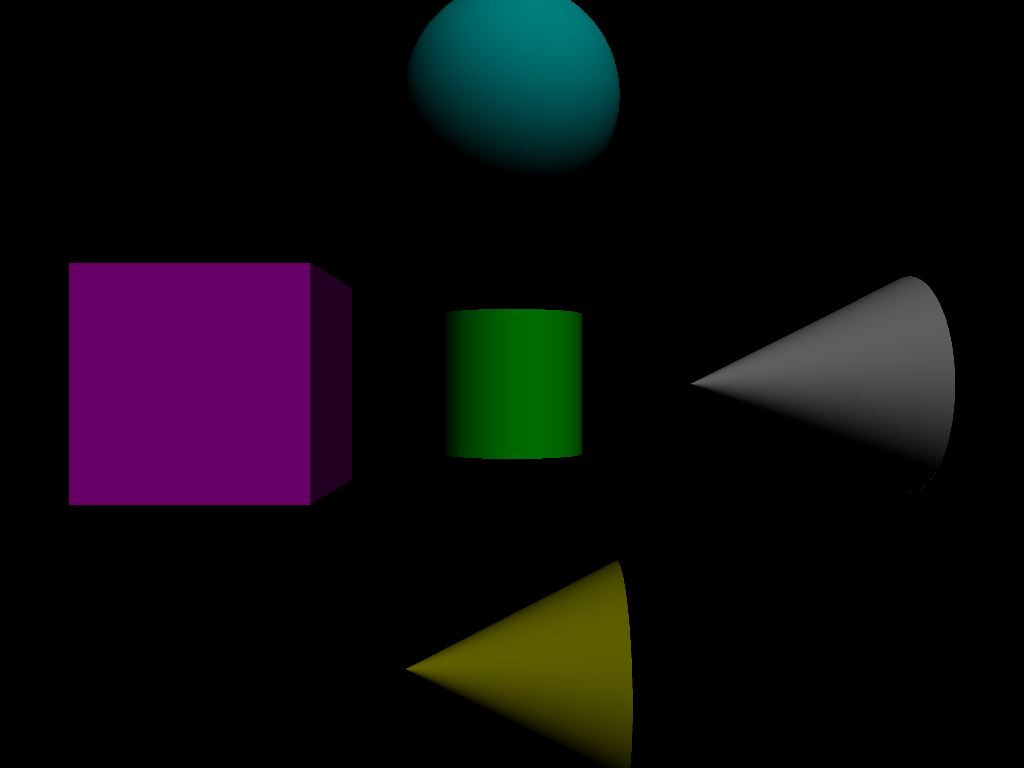 |
| specular_total.ini |  |  |
| phong_total.ini | 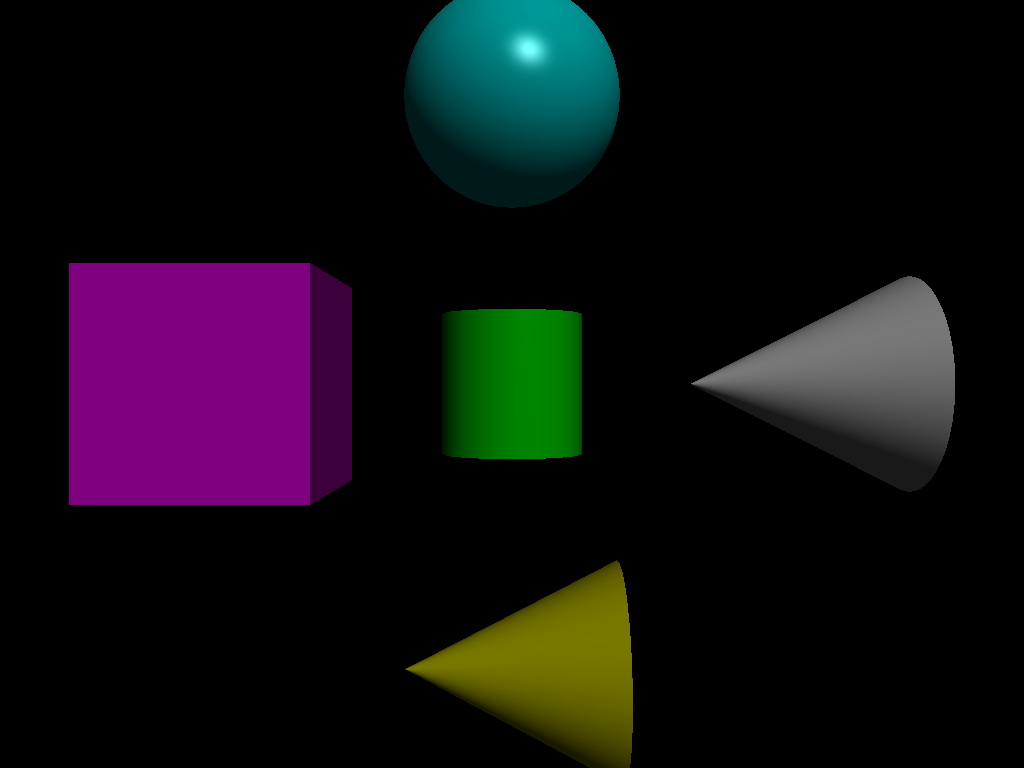 | 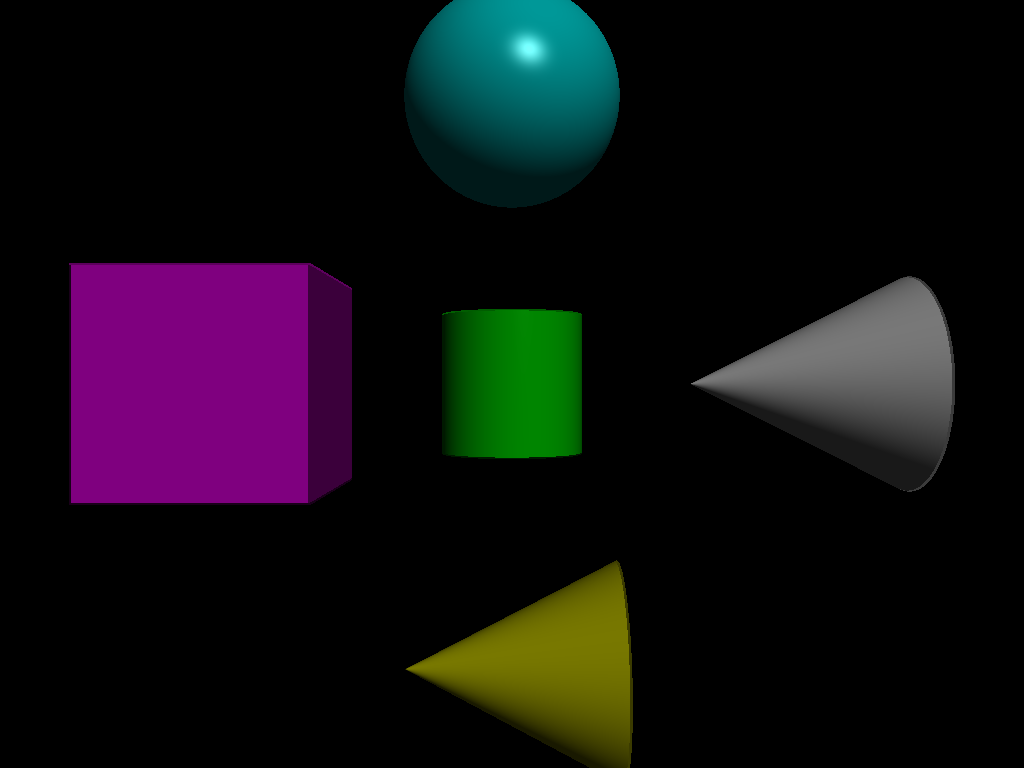 |
| directional_light_1.ini | 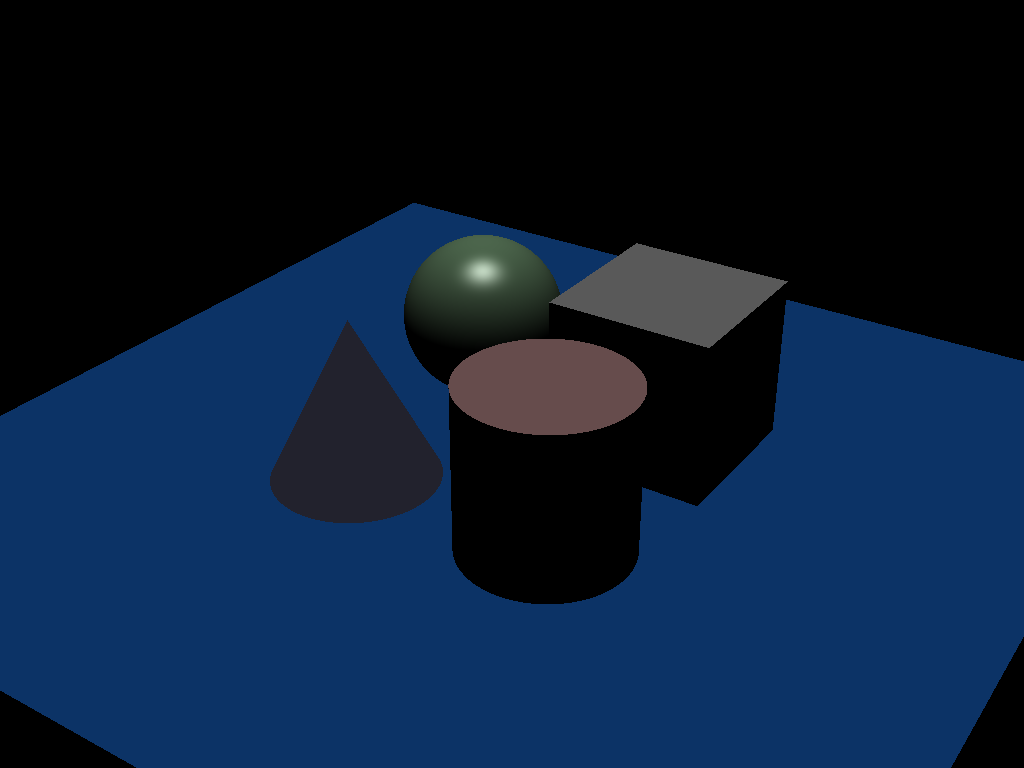 | 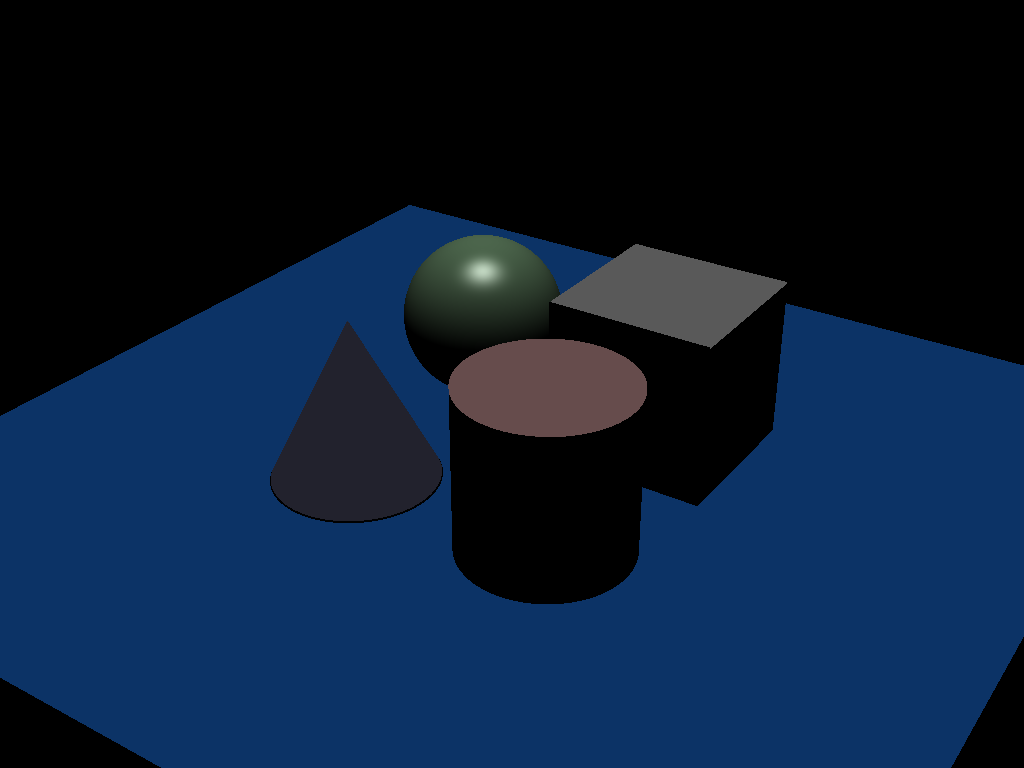 |
| directional_light_2.ini | 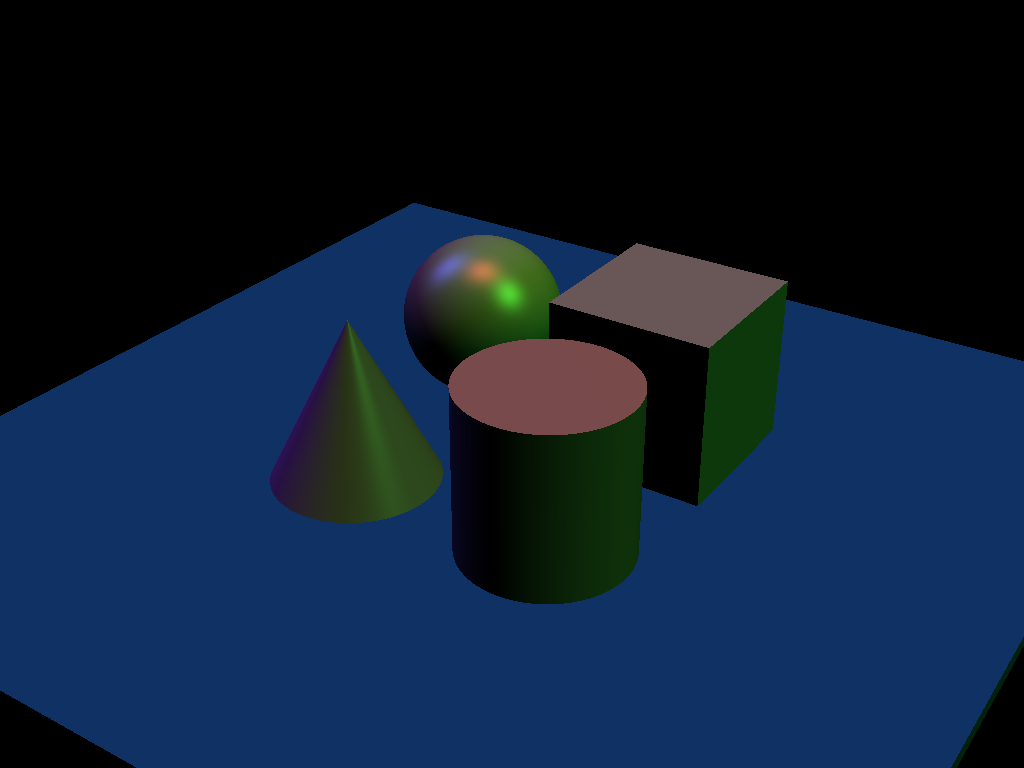 | 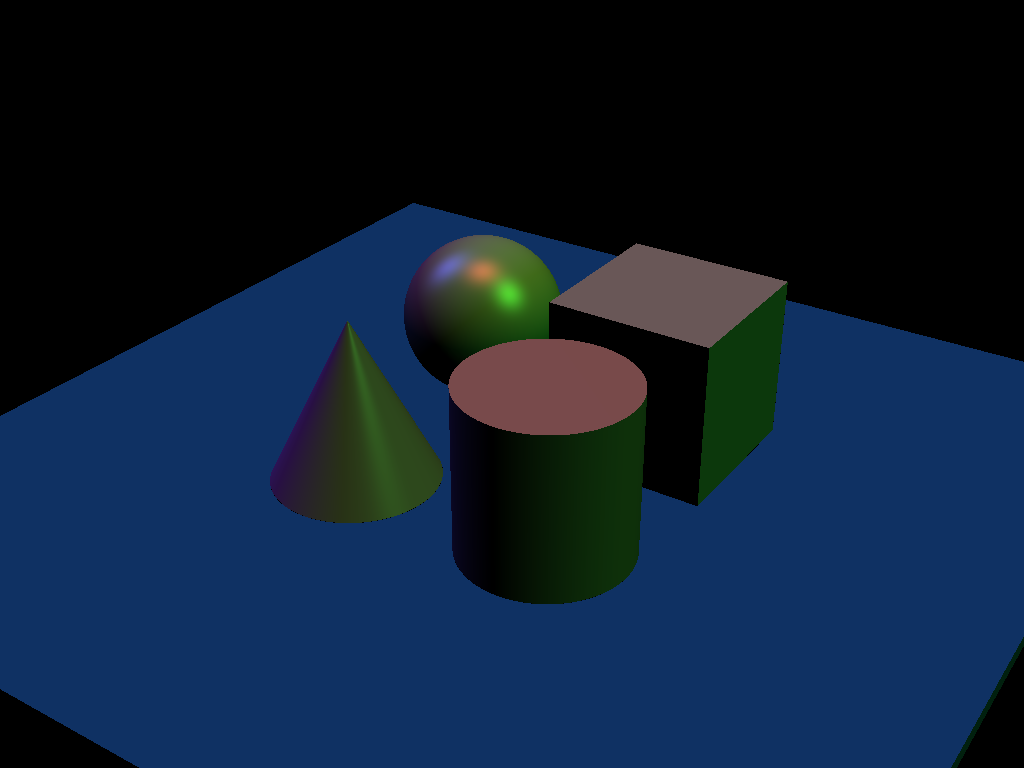 |
Design Choices
KD-Tree
BoundingBox class, uses two vectors to measure the AABB.
KDNode class represents each node of the tree.
buildKDTree function constructs the tree. For choosing the split axis, I cycle through three axes instead of choosing the best axis because the latter approach is time consuming.
traverse_kd_tree function traverses the tree and if meets the leaf node, then calculate the intersected shape.
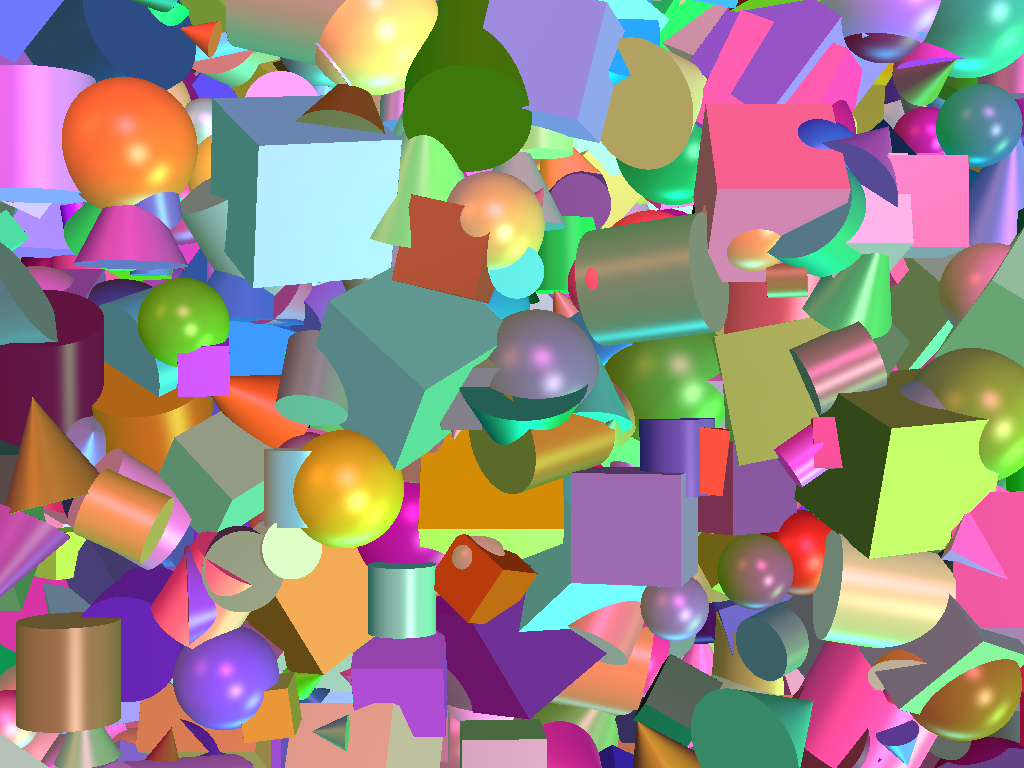
OpenMP
use #pragma omp parallel for collapse(2) before the main loop of pixels.
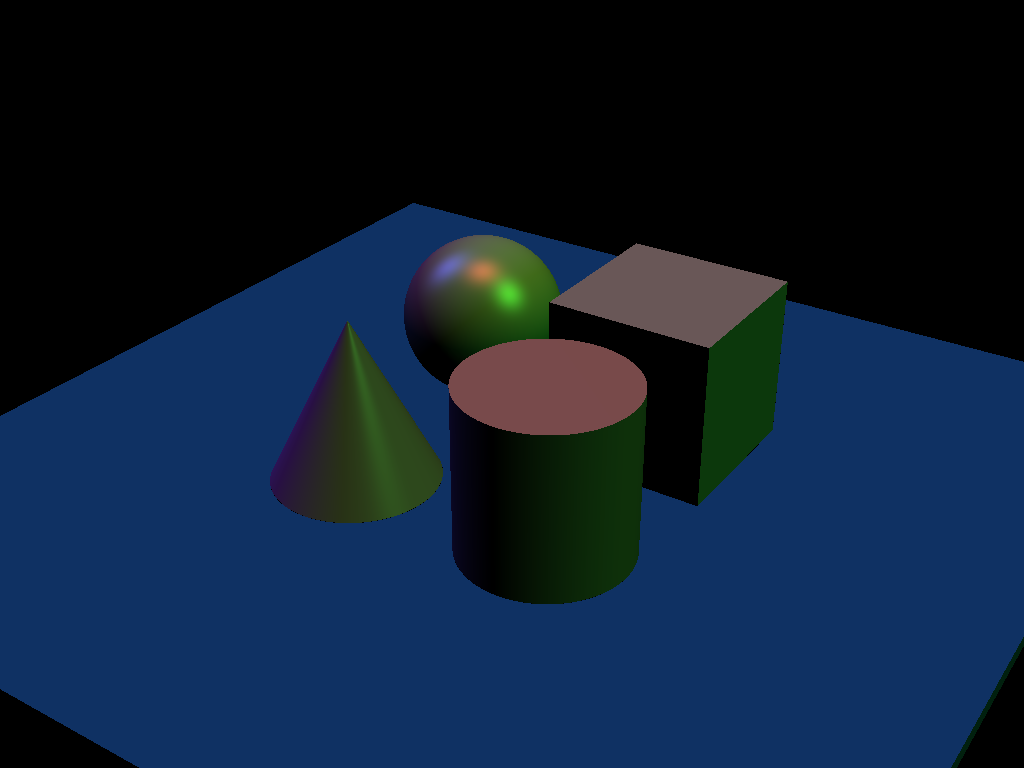
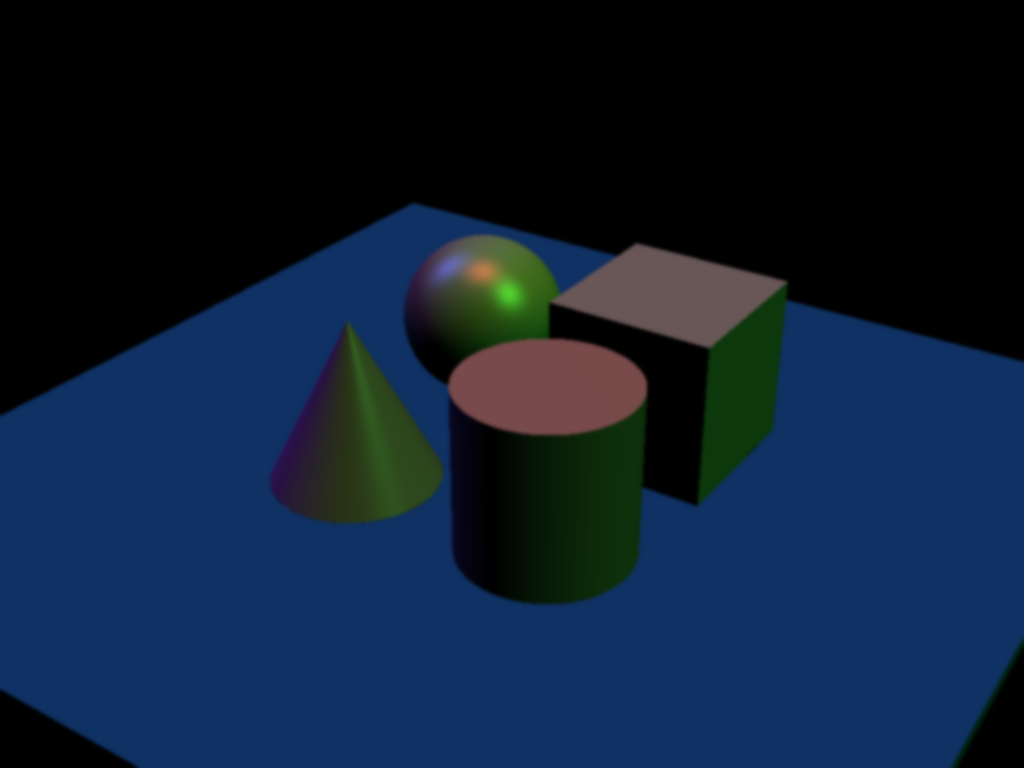
Anti-Aliasing Post-filter
Apply the blur filter from Project 2 with radius 5 as the post filter. The definition of the blur filter is in filterutils.cpp.
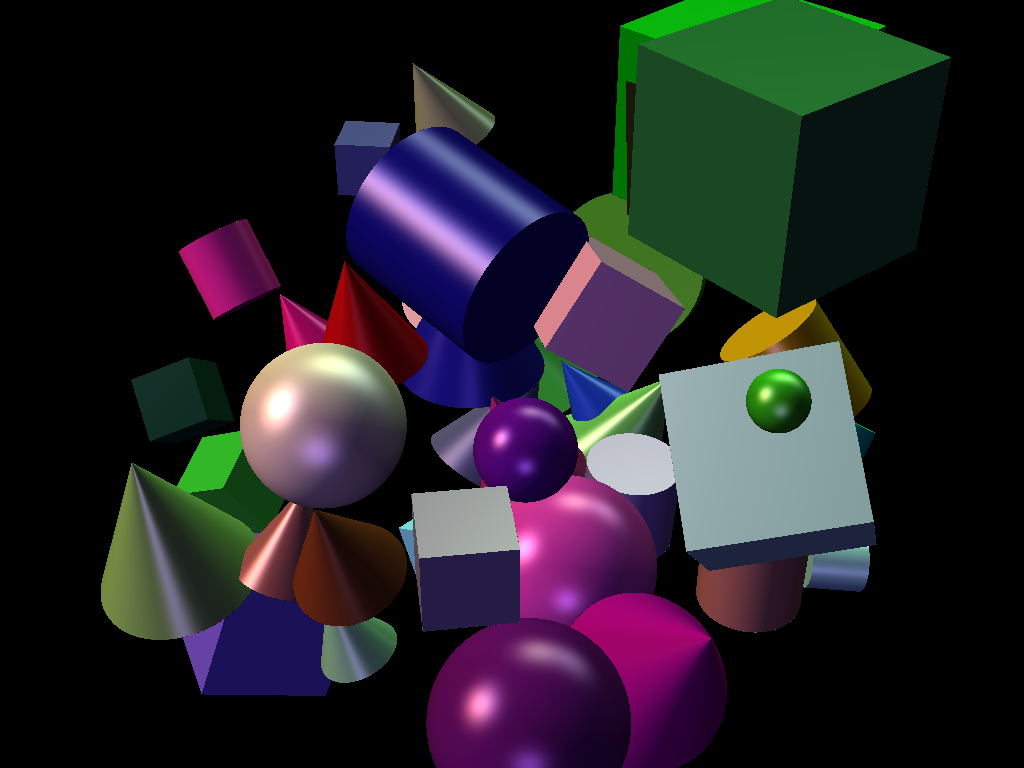
Super-Sampling
Apply traceRay function for the four corners of the aimed pixel and calculate the mean.
Collaboration/References
N/A
Known Bugs
There will be some black spots on the edges of objects due to inaccurate float comparisons.
Extra Credit
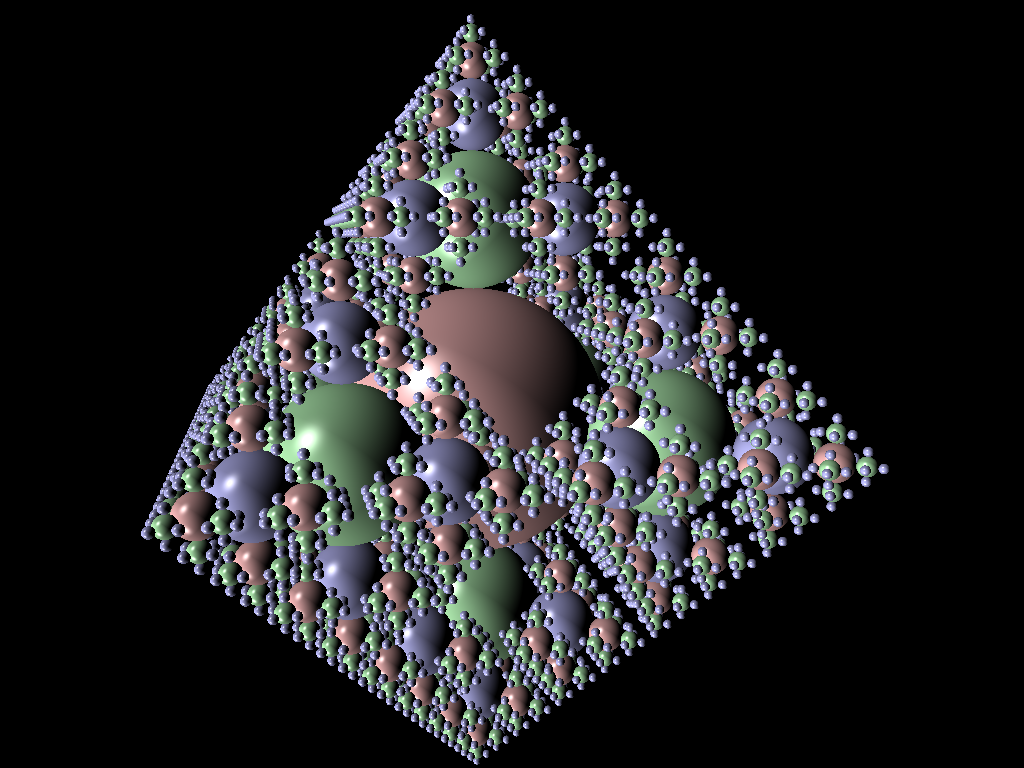
Acceleration data structure: KD-Tree
kdtree.cpp and boundingbox.cpp
Set acceleration = true inside the .ini file.
Use the following two command line arguments to compare the speed.
template_inis/intersect/extra_credit/kdtree_false.ini
template_inis/intersect/extra_credit/kdtree_true.ini
(use recursive_sphere_6.json)
Parallelization: Level1: OpenMP
Use #pragma omp parallel for collapse(2) before the main loop of pixels.
Set parallel = true inside the .ini file.
Use the following two command line arguments to compare the speed.
template_inis/intersect/extra_credit/parallel_false.ini
template_inis/intersect/extra_credit/parallel_true.ini
(use primitive_salad_2.json)
Anti-Aliasing: Blurring Post-filter
filterutil.cpp
Set anti-aliasing = true inside the .ini file.
Use the following two command line arguments to compare the output.
template_inis/intersect/extra_credit/antialising_false.ini
template_inis/intersect/extra_credit/antialising_true.ini
(use directional_light_2.json)
Super-Sampling: Stochastic Super-Sampling
Set super-sample = true inside the .ini file and num-samples = 10 to specify sample points.
Use the following two command line arguments to compare the output.
template_inis/intersect/extra_credit/supersample_false.ini
template_inis/intersect/extra_credit/supersample_true.ini
(use primitive_salad_1.json)
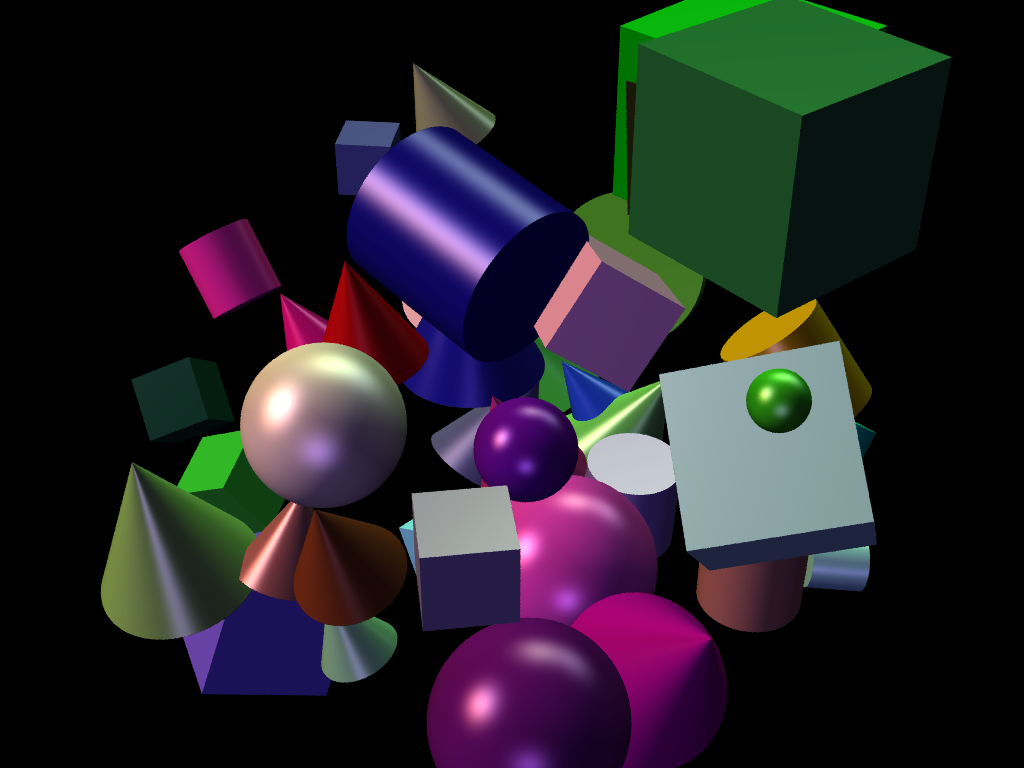
Create your own scene file
Use the following command line argument.
template_inis/intersect/extra_credit/customize.ini
(use torii.json)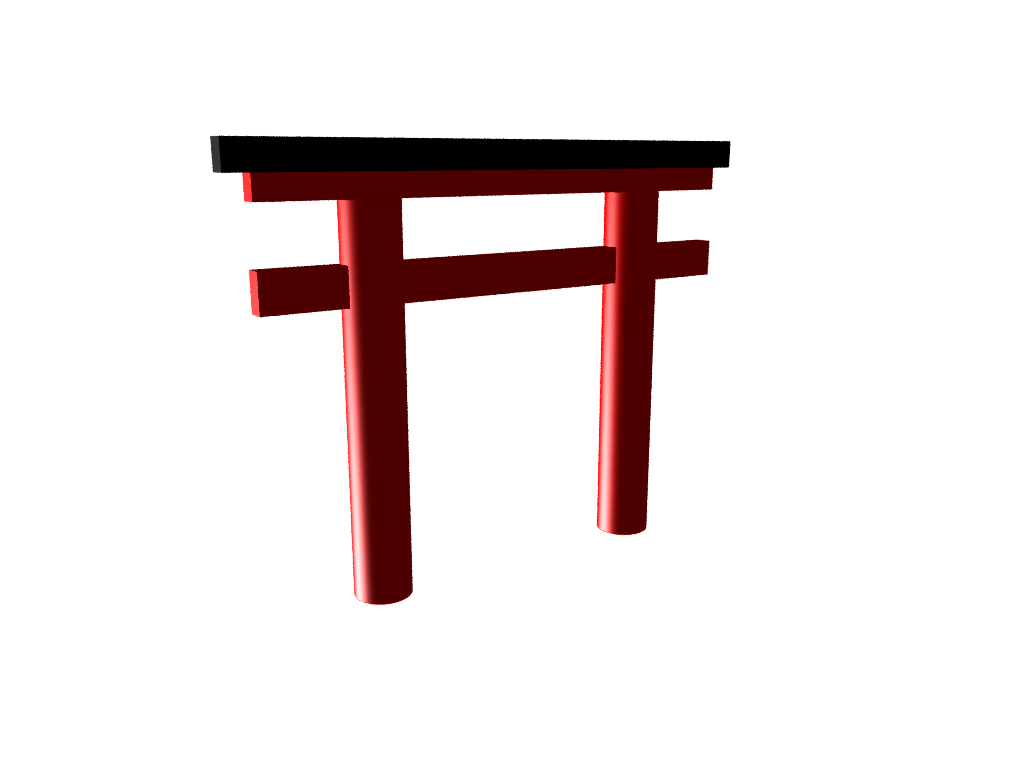
Chengfan Li
He once lost a diamond cuff-link in the wide blue sea.